
Tarkle vs OneDrive: client portals and your own domain
OneDrive suits Microsoft 365 teams. Tarkle suits sending files to clients on your own domain, with a portal.
Tarkle vs OneDrive comes down to the job. OneDrive is the better fit when your team wants its own files synced between its computers inside Microsoft 365. Tarkle is the better fit when the job is sending files to clients and getting files back: a client portal on Pro and Agency, transfer links that can ask for a password or an email address, file requests, and your own branding and domain.
We make Tarkle, so read this as one vendor's view and check the sources. Microsoft facts below come from Microsoft's own support pages, as read in November 2026.
What OneDrive is
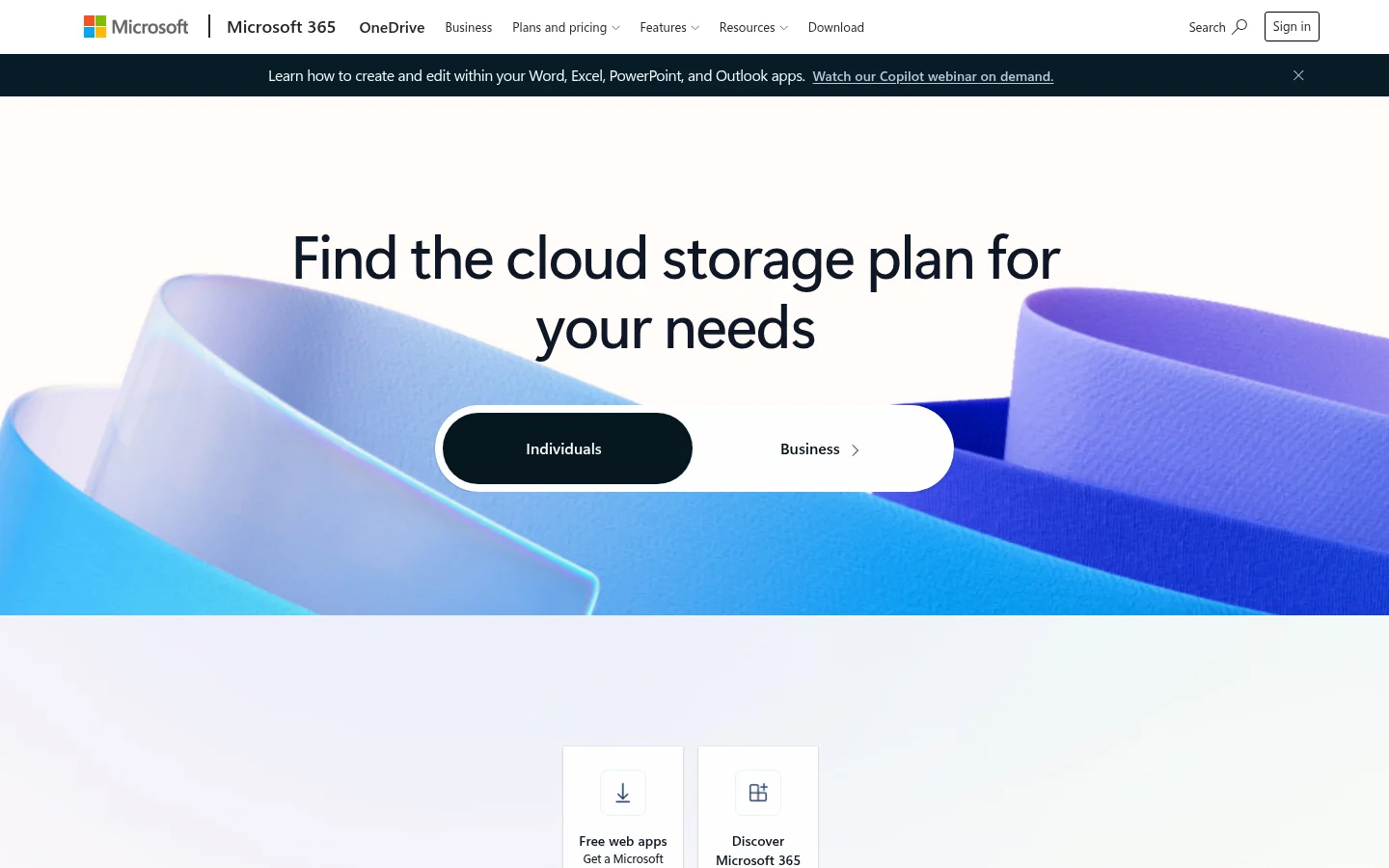
OneDrive is Microsoft's cloud storage and sync service. Microsoft's support pages cover OneDrive for home, OneDrive for work or school, and SharePoint in Microsoft 365 (restrictions and limitations). With OneDrive you can sync files between your computer and the cloud, so you can get to them from anywhere (sync guide).
What OneDrive offers
Storage. A free Microsoft storage plan gives you 5 GB (storage quotas). Paid storage depends on the Microsoft 365 plan, so check Microsoft's OneDrive plans page for prices.
Sync. Files On-Demand helps you access all your files in OneDrive without having to download all of them (sync guide). On Windows you choose which OneDrive folders sync to your computer (sync guide).
Sharing. A link can give access to anyone who receives it (share files and folders). A link can also be limited to specific people (same page). Your admin decides outside sharing for the whole organization (external sharing settings). When Anyone links are allowed, anyone who has the link can open the file without signing in (same page).
File requests. A file request needs an administrator to turn it on (create a file request). It is not available on OneDrive for home (same page). Anyone with the file request link can send you a file, and they do not need OneDrive (same page). File requests also need OneDrive set to Anyone links (external sharing settings).
What Tarkle does
Tarkle is for freelancers, agencies and small teams that send files to clients and collect files back. You send files and folders with one branded link, decide who can open it and see what happens next (file sharing).
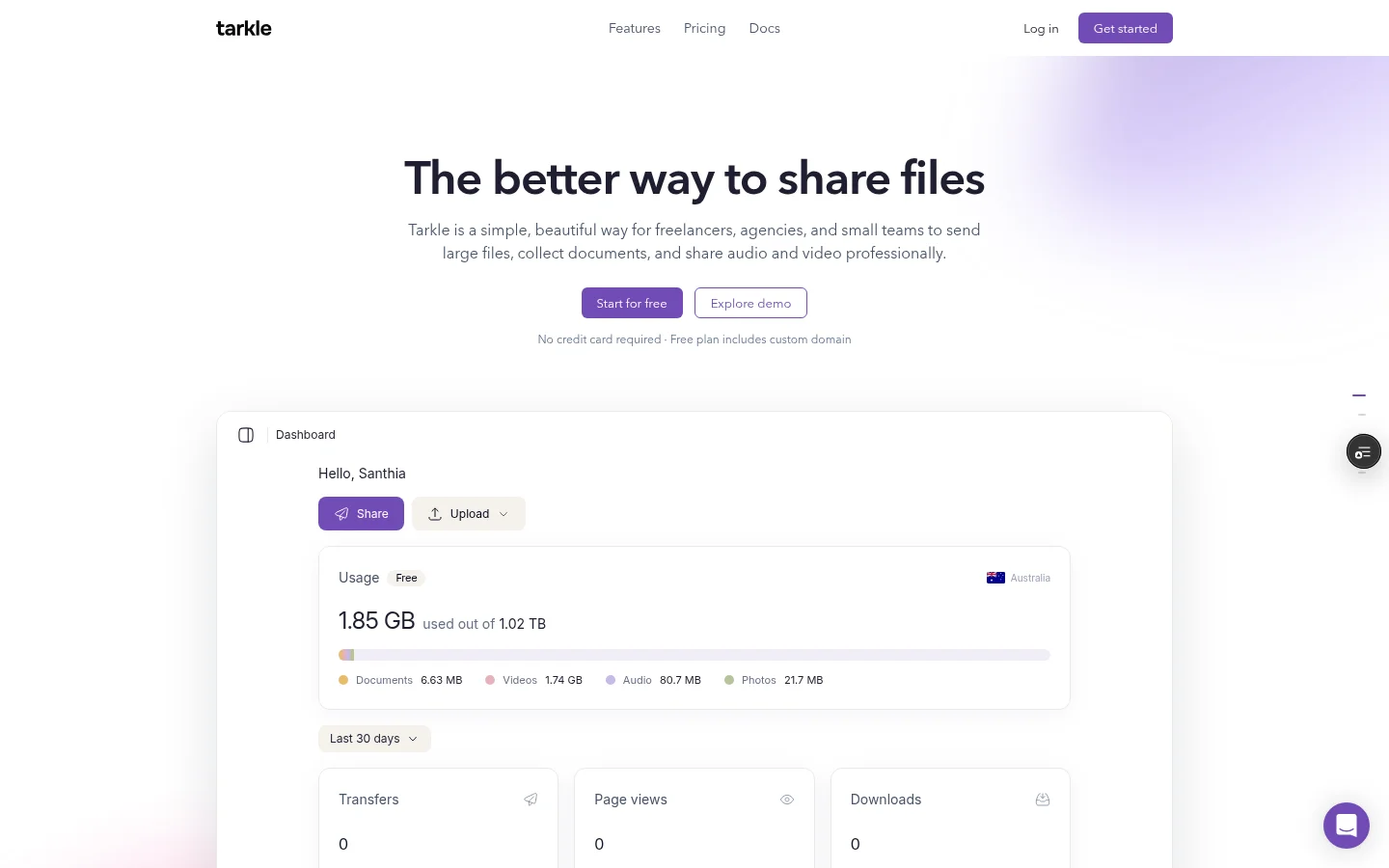
Access control. A transfer can be protected with a password. You can also ask for an email address before a download starts, make a transfer view-only, or send a file whose link stops working after its first download. A direct download link starts the download the moment it is opened. You can disable a link in one click when plans change.
Transfer status. See whether a transfer was delivered, viewed or downloaded.
Client portal on Pro and Agency. The client portal is available on Pro plans, and Agency includes everything in Pro. You turn on portal access for each contact. The client types their email on your portal login and gets a sign-in code by email. Inside, the portal has six tabs: Home, Files, Shared, Requests, Brands and Feedback. See the client portal page.
File requests. Collect files from anyone with one link, into the folder you choose. Set a deadline on a file request, and you get an email when files arrive, because notifications are on by default. More in file requests.
Branding and your domain. Custom branding puts your logo, colours and favicon on transfer pages, request pages and the portal. Custom domains are available on every plan. Agency also lets you run Tarkle entirely on your own domain, like cloud.acme.com, with your clients logging in there.
Powered by Tarkle. On Free, the Powered by Tarkle line stays. Pro can remove it. On Agency, your agency name replaces it once the owner turns on White label and the plan is active.
Paid transfers. Paid transfers charge for access to a transfer through your own Stripe account. They are on Pro plans, and Agency includes everything in Pro. See paid transfers.
Storage and limits. Free has 5 GB of storage. Free supports uploads and transfers up to 1 GB each, and its recovery bin keeps files for 30 days. Free has a monthly transfer limit. Pro has 3 TB of storage. Pro supports files up to 200 GB each. Pro has a 90-day file recovery. Pro has no monthly transfer limit. Agency has 6 TB of storage and 20 workspaces for your clients.
Free is $0 forever, with no credit card required. Pro is $29 a month, or $19 a month billed yearly. Agency is $59 a month, or $49 a month billed yearly. The full list is on the pricing page.
OneDrive vs Tarkle
OneDrive | Tarkle | |
|---|---|---|
Built for | Cloud storage and sync in Microsoft 365 | Sending files to clients and getting files back |
Recipient without an account | Anyone links open without signing in, if your admin allows Anyone links | Recipients can open or download shared files without a Tarkle account |
Request files | An administrator turns it on, and it is not available on OneDrive for home | One link into the folder you choose, with a deadline |
Who should choose OneDrive
Stay with OneDrive if your team already works inside Microsoft 365 and wants its own folders synced between its computers. Files On-Demand is built for that, because you can reach every file without downloading all of them. OneDrive is also the simpler choice when the files never leave your own company.
Who should choose Tarkle
Choose Tarkle when the people on the other end are clients, not colleagues. A client does not need a Tarkle account to open a link. If you add a password or ask for an email address before a download starts, they enter it and download.
It also fits when the files should carry your brand. Custom branding puts your logo and colours on the transfer page, and on Agency your clients log in on your own domain.
Tarkle also covers the return trip. A file request collects logos, signed documents or raw footage into the folder you choose, with a deadline, and each transfer shows whether it was delivered, viewed or downloaded. For a folder that stays in sync on every computer, OneDrive is the better fit.
Switching from OneDrive to Tarkle
Tarkle's import covers Dropbox and Google Drive. From OneDrive, download the files and upload them yourself.
Download the client folders from OneDrive to your computer.
Sign up for Tarkle and upload the folders.
Add your logo and colours, so transfer pages carry your brand.
Send one transfer or one file request to a client first.
On Pro or Agency, add the client as a contact and turn on portal access for them. They then sign in with the code sent to their email.
Keep OneDrive for internal documents and move only what you send to clients. Clients get transfer links and the portal, and your team keeps working where it works now.
FAQ
Is OneDrive good for sending files to clients? It can work for simple links. Whether a link opens without signing in depends on your admin's external sharing setting. Tarkle adds the client portal, branded transfer pages and paid transfers.
Can clients open a Tarkle link without an account? Yes. Recipients can open or download shared files without creating a Tarkle account. You can add a password, or ask for an email address before the download starts.
Does Tarkle sync a folder to my computer like OneDrive? Tarkle is built for sending and collecting files. If you need a folder that stays in sync on every computer, OneDrive is the better fit.
Can I use my own domain with Tarkle? Yes. Custom domains are available on every plan. Agency also lets you run Tarkle entirely on your own domain, like cloud.acme.com, with your clients logging in there.
How big a file can I send? Free supports uploads and transfers up to 1 GB each. Pro supports files up to 200 GB each.
Can I import my OneDrive files into Tarkle? Not directly. Download them and upload them to Tarkle. The import covers Dropbox and Google Drive.
What does Free cost? Free is $0 forever, with no credit card required. It includes 1 workspace and 5 GB of storage.
What to remember about Tarkle
OneDrive suits a Microsoft 365 team that wants its own folders synced. Tarkle suits sending files to clients and getting files back, with a client portal on Pro and Agency, transfer links with passwords or email checks, file requests and your own domain. Start for free and send one real transfer to a client.



