
Tarkle vs Jottacloud: client sharing or personal backup?
Jottacloud backs up your devices; Tarkle shares files with clients under your brand. Plans and limits compared.
Jottacloud is better for backing up your own computers and phones. Tarkle is built for sending files to clients and collecting files back under your own brand, so it works as a Jottacloud alternative for business sharing. We make Tarkle, so read this page as one vendor's view and check the sources linked here.
What Jottacloud is
Jottacloud is a Norwegian company that stores, syncs and backs up files and photos. Its data centers are located in Norway, and it says it both owns and operates its own servers and infrastructure (Jottacloud features, read November 2026). Its encryption page says data is protected with TLS 1.3 in transit and an AES-256 key at rest (Jottacloud on encryption and data, read November 2026). These are Jottacloud's own claims.
What Jottacloud offers
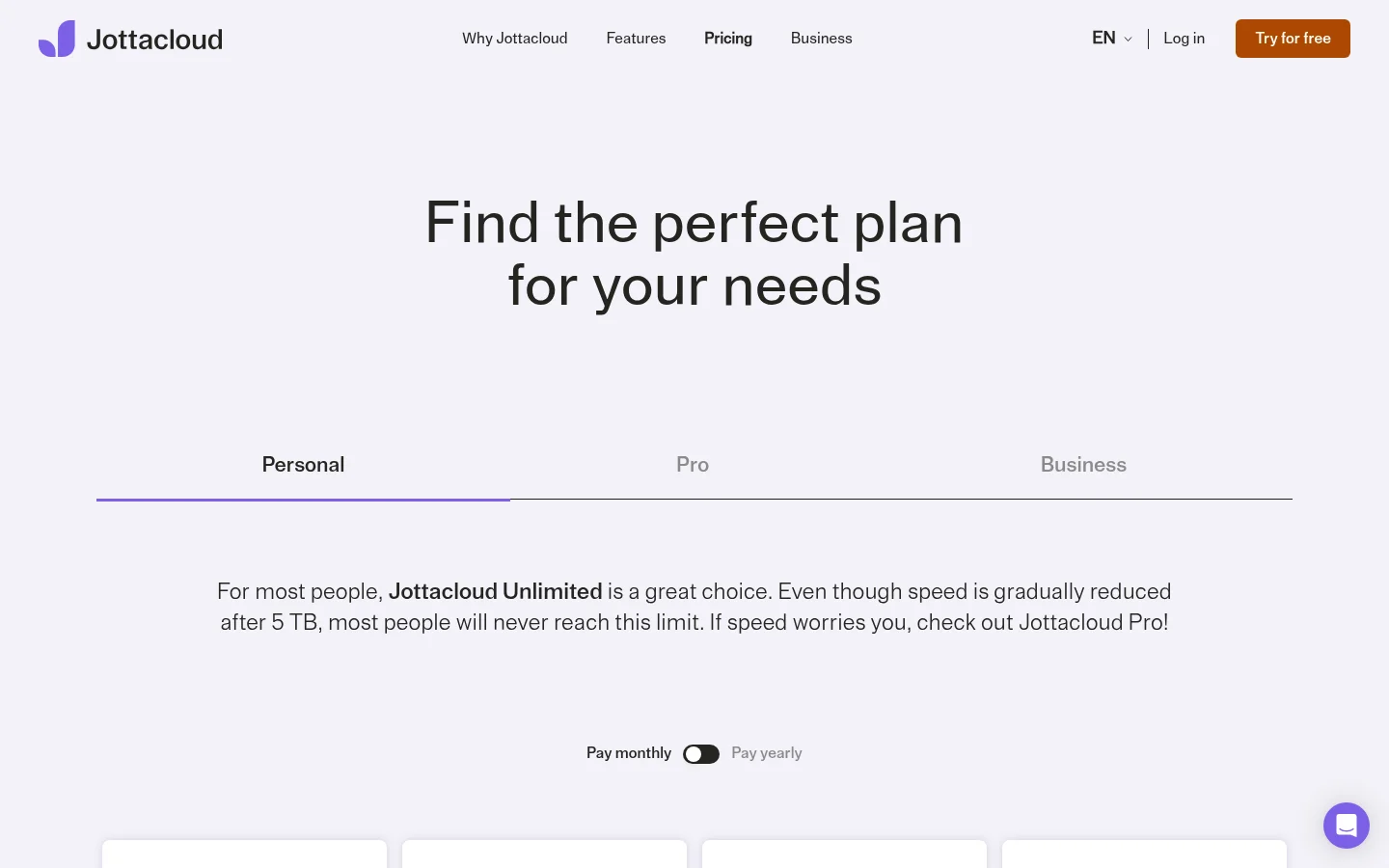
Jottacloud's Free plan gives one user 5 GB. Its Pro plans, for one user, run from 10 TB to 50 TB. Pro 10 TB costs NOK 299 a month or NOK 2990 a year. Its Business plans have 1 TB of storage: Small for 2 users at NOK 129 a month or NOK 1548 a year, Medium for 10 users at NOK 179 a month, and Large for unlimited users at NOK 459 a month. Its Pro and Business plans are marked as licensed for commercial use. It also lists a personal Unlimited plan at NOK 129 a month for one user (Jottacloud pricing, read November 2026).
Its features page lists automatic backup of computers, phones and tablets, and the last five versions of each file. For sharing, it lists links to files and photos regardless of size and number of files, and shared folders for working with others. Its apps run on PC, Mac, Android, iPhone and tablets.
What Tarkle does
Tarkle is a cloud storage and file-sharing platform for freelancers, agencies, and client-facing businesses. You send files and folders with one link, and the person downloading needs no account (share files by link). A password can be required before anyone opens a transfer (password protection). A link can stop working after a date you set (link expiration). Transfer status shows whether a transfer was delivered, viewed or downloaded.
File requests collect files from anyone with one link, into the folder you choose. Custom branding puts your logo, colours and favicon on every transfer page, request page and portal. Free includes a custom domain for your links. The client portal is a fully branded place where your clients receive and manage the files you share with them, on Pro and Agency. Paid transfers charge for access to a transfer through your own Stripe account.
Plans, as listed on the pricing page:
Free: $0 forever, no credit card required. 1 workspace, 5 GB cloud storage, up to 1 GB upload limit, custom domain and branding, and file sharing and requests. On Free, a workspace sends 15 transfers a month. It accepts 50 request submissions a month. Free allows 1 active file request.
Pro: $29/month, or $19/month billed yearly ($228/year). 2 workspaces included, 3 TB cloud storage, up to 200 GB upload limit, unlimited team members and a fully branded client portal.
Agency: $59/month, or $49/month billed yearly ($588/year). Everything in Pro, 20 workspaces for your clients, 6 TB cloud storage and a 100% white-label platform.

The Powered by Tarkle line stays on Free and cannot be switched off there. Pro can remove it. On Agency, White label replaces the Powered by Tarkle line with your agency name. That applies while your organization is active, its White label switch is on and the Agency plan is in force.
You pick a storage region for your workspace: Europe, the US, Asia-Pacific or Oceania (choose where your files are stored). Tarkle is designed primarily for agencies, consulting firms, and other client-facing businesses.
Jottacloud vs Tarkle
Jottacloud | Tarkle | |
|---|---|---|
Built for | Backup, sync and photos | Sharing with clients and collecting files back |
Share by link | Yes, links to files and photos of any size | Yes, no account needed to download |
Password on a link | Not on its features page | Yes |
Link expiry | Not on its features page | Yes, a date you set |
Delivered, viewed, downloaded | Not on its features page | Yes, transfer status |
File requests from clients | Not on its features page | Yes, one link into the folder you choose |
Your logo and domain | Not on its features page | Logo, colours and favicon; custom domain on Free |
Client portal | Not on its features page | Pro and Agency |
Paid transfers | Not on its features page | Yes, through your own Stripe account |
Device backup | Yes, all devices | Not what Tarkle is built for |
Sources: Jottacloud's pricing, features and encryption pages, read November 2026, and Tarkle's pricing and feature pages. "Not on its features page" means that page does not describe the feature.
Who should choose Jottacloud
Choose Jottacloud if the job is protecting your own data. It backs up computers, phones and tablets, keeps the last five versions of each file, and stores data in Norway. It also fits if you want apps on PC, Mac, Android and iPhone. Tarkle is designed primarily for agencies, consulting firms, and other client-facing businesses. Keep Jottacloud for device backup.
Who should choose Tarkle
Choose Tarkle if the job is delivering work to clients and getting files back from them. Your client opens a link with your logo and colours, on your own domain if you set one up. You can add a password or an end date, and see whether the file was delivered, viewed or downloaded. File requests collect files from anyone with one link, into the folder you choose. Pro and Agency take files up to 200 GB. The client portal gives each client one branded place to receive and manage files.
Agency gives you 20 workspaces for your clients. White label can replace the Powered by Tarkle line with your agency name. Paid transfers charge for access to a transfer through your own Stripe account. Free is $0 forever, no credit card required, so you can send a real transfer before you pay for anything. The client portal starts on Pro. Start for free, or compare the plans on the pricing page.
Switching from Jottacloud to Tarkle
Tarkle's import covers Google Drive and Dropbox. Files in those two services can be brought in without downloading them first. Jottacloud is not on that list, so files stored there need to be downloaded and uploaded again.
Decide which files clients see. Keep personal backup in Jottacloud and move only the files you share with clients.
Sign up on the Free plan, then add your logo, colours and custom domain. Free includes custom domain and branding.
Download the client files from Jottacloud and upload them to folders in Tarkle.
Send each client a transfer link. On Pro or Agency, you can also set up a client portal.
Create file requests for what clients still owe you.
Run both side by side for a month, and check which files your clients open before you move anything.
FAQ
Is Jottacloud good for sending files to clients? It shares files and photos by link, and it offers shared folders for working with others. Its features page does not describe passwords, expiry dates or a branded client portal.
Can I use Jottacloud's personal plans for business? Jottacloud's pricing page marks its Pro and Business plans as licensed for commercial use. Check that plan before you use it for client work.
Does Tarkle back up my computer? Tarkle is designed primarily for agencies, consulting firms, and other client-facing businesses, so use Jottacloud for device backup.
Where does Tarkle store files? You pick a storage region for your workspace: Europe, the US, Asia-Pacific or Oceania.
Is there a free Tarkle plan? Yes. Free is $0 forever, no credit card required, with 1 workspace and 5 GB of storage.
Is Tarkle cheaper than Jottacloud? They price different jobs. Jottacloud Business Small is NOK 129 a month for 1 TB and 2 users. Tarkle Pro is $29 a month, or $19 a month billed yearly, for 3 TB of cloud storage, 2 workspaces and unlimited team members. Compare what you need to share, not only the storage.
Can I run both? Yes. The two tools do different jobs.



