
Tarkle vs CentreStack: hosted sharing or MSP file server
CentreStack gives MSPs file server access. Tarkle sends and collects client files, with published prices.
CentreStack is the better fit when you are an MSP that has to give clients remote access to the file servers they already run. Tarkle is the better fit when the job is sending a finished file to a client and collecting files back. We make Tarkle, so read this as one vendor's view, and check the sources.
Each CentreStack fact below links to the CentreStack page it came from.
What CentreStack is
CentreStack is built for managed service providers (MSPs). Its home page says it can plug into a client's file servers or cloud storage, add the MSP's branding and remove the need for a VPN. It calls itself "multi-tenant by design", so one deployment serves many clients.
It can run in the MSP's own data center, or as CentreStack Online, where CentreStack hosts the platform.
What CentreStack offers
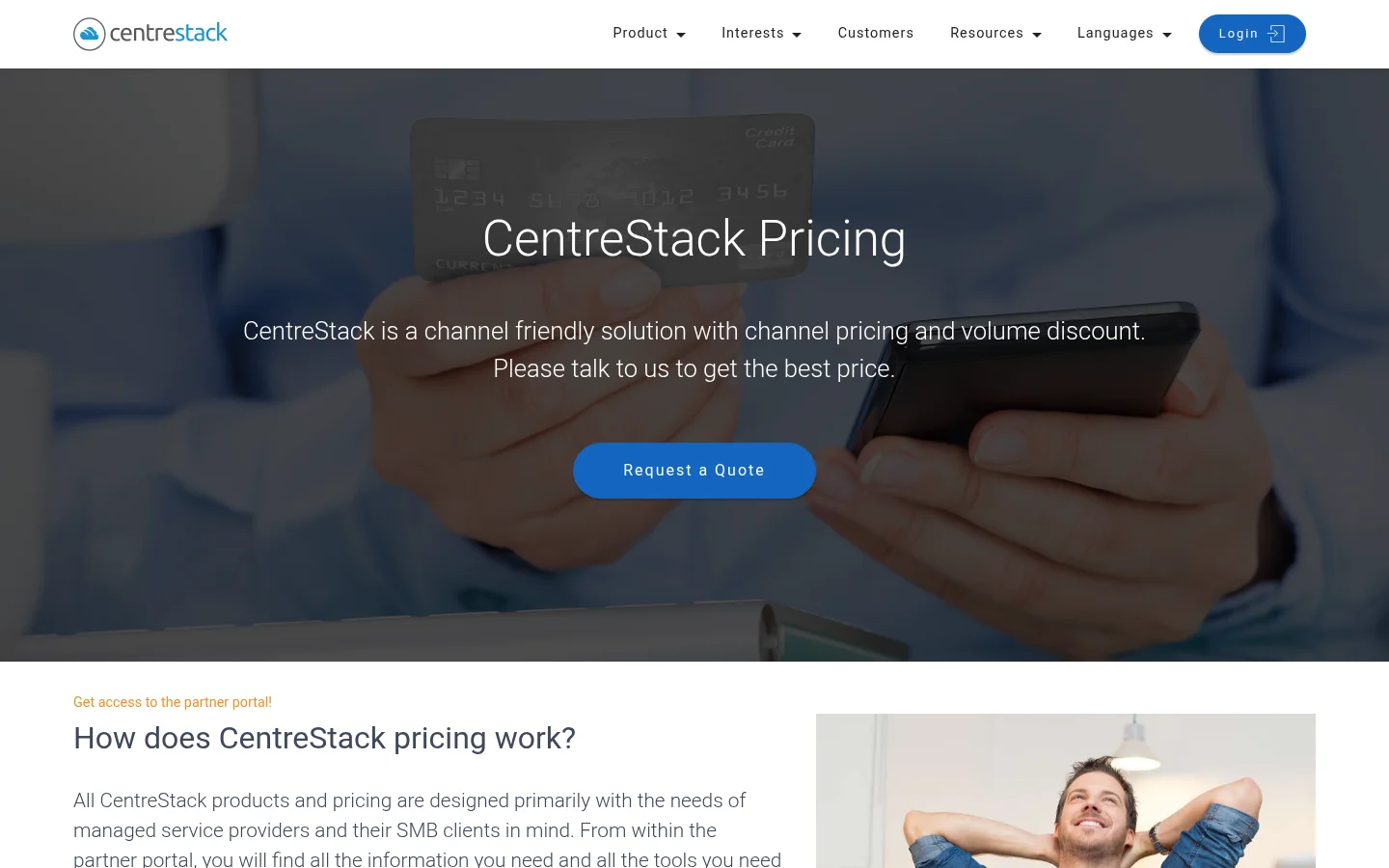
The CentreStack pricing page describes CentreStack as a channel friendly solution with channel pricing. It shows no prices. It has a "Request a Quote" button and says "Please talk to us to get the best price."
The home page lists these features:
Mapped drives: remote access to file shares from a drive letter, without a VPN.
File locking: File locking from the cloud, with a file server locking experience.
Permissions: NTFS permissions and Active Directory identities are kept when file servers connect to the cloud.
Mobile apps: file server access from iOS and Android devices, and editing with Microsoft Office Mobile Apps.
Sign-in: SSO through Azure AD, OKTA and Duo.
Storage: file server, S3 and Azure back ends.
Security: a secure data room and an IP address white-list.
Web links: share files and folders with recipients, or receive files from a web browser.
History: file change history, audit trace and file version control.
Branding: white-label branding from the web interface to the mobile applications.
What Tarkle does
Tarkle is built for sending and collecting client files, with your own link and your own domain.
Share by link: gives one link to files or folders, and recipients can open or download without a Tarkle account. See share files by link.
Protect the file: password protection requires a password before anyone can open a transfer. Link expiration sets a date after which a transfer or request link stops working. Email capture asks for an email address before a download starts.
Know what happened: transfer status shows whether a transfer was delivered, viewed or downloaded.
Collect files: file requests gives you one link to collect files into the folder you choose. Each request saves uploads into a request folder inside the folder you choose. Uploaders enter a first name, last name and email first.
Client portal: on Pro and Agency, the client portal is a branded place where each client signs in, sees what you shared and sends files back. The client portal is not on Free. A client signs in with a six-digit code sent to their email, and the contact must have portal access turned on.
Your domain and brand: custom branding puts your logo and colours on transfer pages, request pages and the portal. Free includes a custom domain and branding. Free keeps the Powered by Tarkle attribution. A Pro plan billed monthly or yearly can remove it.
Import: import from Google Drive and Dropbox brings files in without downloading them first.
Free is $0 forever, with no credit card required. It includes 1 workspace, with an upload limit of up to 1 GB per file. Pro is $29 a month, or $19 a month billed yearly ($228 a year). Agency is $59 a month, or $49 a month billed yearly ($588 a year). It includes everything in Pro, 20 workspaces for your clients and a 100% white-label platform. For the full list, see Tarkle's pricing page.

CentreStack vs Tarkle
Tarkle | CentreStack | |
|---|---|---|
Built for | Sending and collecting client files | Remote access to client file servers, for MSPs |
Pricing | Published: Free $0, Pro $29 a month, Agency $59 a month | Quote only: "Request a Quote" |
Mapped drive | Not in Tarkle's listed features | Mapped drives without a VPN |
Active Directory and SSO | Not in Tarkle's listed features | NTFS and Active Directory identities, SSO through Azure AD, OKTA and Duo |
Share links | Branded link, password, expiry date, email check | Web links to share files and folders |
Collect files back | File requests and client portal uploads | Receive files from a web browser |
Tracking | Delivered, viewed and downloaded status | File change history and audit trace |
White label | Agency: your agency name in place of Powered by Tarkle | White-label branding from the web interface to the mobile apps |
Who should choose CentreStack
Stay with CentreStack if your clients need their file servers reached from home without a VPN. Its home page lists mapped drives, file locking, NTFS permissions, Active Directory identities, iOS and Android apps and SSO through Azure AD, OKTA and Duo. Tarkle does not list a mapped drive among its features, so for that job CentreStack is the better fit. CentreStack also suits an MSP that wants to run the platform in its own data center.
Who should choose Tarkle
Choose Tarkle when the job is business sharing. You send a finished file to a client, collect a signed document back and want the link on your own domain.
Delivering work: one link, a password if the file is sensitive, an expiry date, and a status that shows whether the client viewed or downloaded it.
Getting files back: a file request gives the client one link into a folder you choose.
Giving each client a home: the client portal on Pro and Agency, with a branded sign-in and a place for their uploads.
Looking like your agency: Agency replaces the Powered by Tarkle backlink with your agency name, and your clients log in on your own domain, such as cloud.acme.com.
Switching from CentreStack to Tarkle
Decide which files you are moving.
Create a Free account on Tarkle. Free includes a custom domain and branding, so you can test your own look with real files.
If the files sit in Google Drive or Dropbox, use the import from Google Drive and Dropbox.
Create a transfer or a file request, open it as a recipient and check the page.
Keep CentreStack for the file server users who need a mapped drive. Move the sending and collecting of client files to Tarkle first, and check it with one real client.
CentreStack and Tarkle FAQ
Is CentreStack free? Its pricing page shows no prices and asks you to request a quote.
Is there a free Tarkle plan? Yes. Free is $0 forever, with no credit card required.
Does Tarkle have a mapped drive? Tarkle does not list a mapped drive among its features. For that job, CentreStack is the better fit.
Can I white label Tarkle? Yes, on Agency. The Agency branding replaces the Powered by Tarkle backlink when White label is turned on for an active Agency organization. On a Pro plan billed monthly or yearly, you can remove the Powered by Tarkle attribution, and the client portal is fully branded.
Do clients need an account to download from Tarkle? For a shared file, recipients can open or download without a Tarkle account.
Which one suits an MSP? CentreStack suits an MSP that sells file server access. Start for free to try Tarkle with real files.



