Tarkle affiliate program: how to earn commission or storage
Earn 20% of Net Revenue with the Tarkle affiliate program, or 5 GB of storage each with Refer a friend.

The Tarkle affiliate program pays 20% of Net Revenue from each customer you refer, for as long as they keep paying. If you would rather earn storage than money, Refer a friend gives you and your friend 5 GB each. This guide explains how each program works, how to join, how links, credit and payouts work, and which one fits you.
Which program is right for you?
Tarkle runs two separate programs for people who recommend it. Refer a friend rewards storage only and never pays cash, credit or discounts. A customer is credited to one program only.
The affiliate program is for creators, educators, publishers, communities and businesses that recommend Tarkle to an audience. Refer a friend is for freelancers, agencies and businesses that recommend Tarkle to people they work with.
How do you join the Tarkle affiliate program?
Sign in with your Tarkle Account, or create one.
Open the Affiliate program page from your account.
Select Join the affiliate program. When it works, the page says "You're in. Your affiliate link is ready."
If your email address is not confirmed yet, the page says "Confirm your email address to turn on your affiliate access." Confirm it, and your access is on.
The affiliate terms also say: "We may approve or decline any application, without giving a reason." If your access is paused, the page says "Your affiliate access is paused. Contact support if you have questions."
Use an email address you read every day, so the confirmation reaches you.

How does the affiliate dashboard work?
Once your access is on, the page has five tabs, in this order: Commissions, Customers, Links, Payouts and Settings. The Customers tab shows each paying customer under a generated name, so you see your results without anyone's personal details. On Settings you list the traffic sources where you share your link, add your website, and you add a payout method.
How do you create and name affiliate links?
On the Links tab, select Create link. Give the link a Name of up to 40 characters. Under "Opens this page (optional)", choose a preset page such as Home or Pricing, or choose Other and type a page path such as /pricing.
Deleting asks "Delete this link?" It stops working for new visitors, and earnings from people who already came through it stay in your balance.
Tarkle reads the affiliate code from an address parameter named aff, ref or via. If one visit carries two different affiliate codes, nothing is credited.
Name every link after the place you post it, such as "Newsletter" or "YouTube", so you always know where each one is.
What do you earn?
Net Revenue is the payment Tarkle receives, less taxes, payment fees, refunds, chargebacks, credits and discounts.
Commission continues through renewals, upgrades, and plan changes. It stops when the customer cancels or stops paying. If they start paying again within 90 days, without coming through another affiliate's link, it resumes. The rate in effect when a customer signs up applies for as long as that customer stays, even if Tarkle later changes the rate for new customers.
Commission starts with the customer's first payment, so Free plans earn nothing. These never earn commission: yourself and your own accounts and workspaces, and Reseller and Reseller Pro plans.
What can your audience try first?
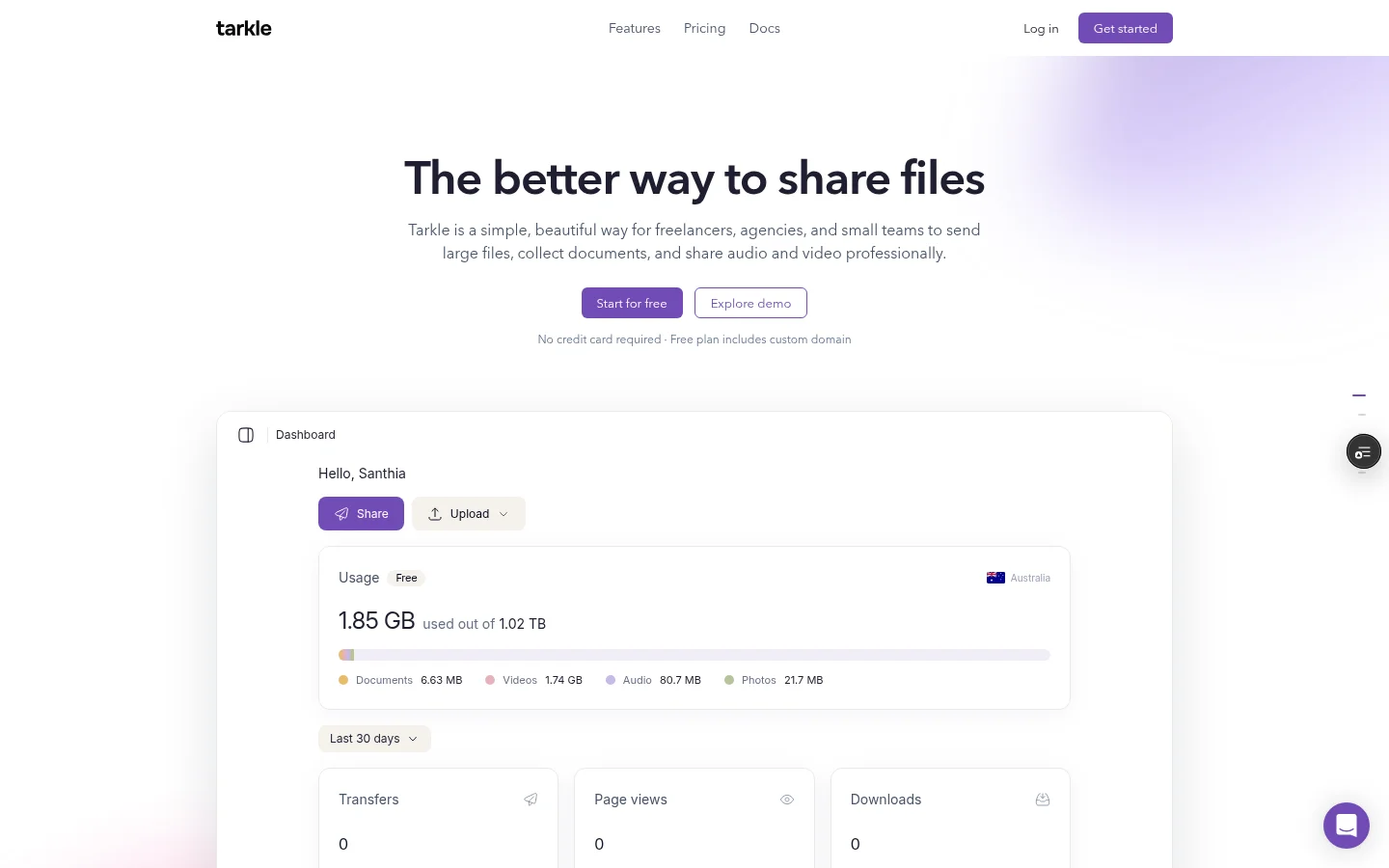
The Free plan has 1 workspace, 5 GB of cloud storage, file sharing and file requests, client feedback and approval, and a custom domain and branding. It needs no credit card, so your readers can test the flow with real files before they choose a paid plan. Start with file requests or client feedback.
Pro is $29 per month, or $19 per month billed yearly. Agency is $59 per month, or $49 per month billed yearly. It adds 6 TB of cloud storage and a 100% white-label platform. See pricing for all plans.
How does credit work when someone clicks your link?
Our tracking cookie lasts 45 days. A customer is credited to you when they click your link and create a new Tarkle Account within 45 days. An email address that has ever had a Tarkle Account does not count.
If a person already talked to the Tarkle sales team before clicking your link, Tarkle may give the credit to that sales process instead. Read section 4 of the affiliate terms before you plan a campaign.
When are you paid?
Each commission is held for at least 45 days after the payment it comes from. It becomes payable only if that payment has not been refunded, charged back or disputed by then. Tarkle pays payable commissions once a month, on or around the 16th, in US dollars, once your available commission reaches $50. Amounts below $50 carry over to the next month. Payouts are made by our team, so they are not instant.
You must give Tarkle a valid tax form before your first payout: a W-9 if you are a US person, or a W-8 form if you are not. Tarkle files a Form 1099-NEC if what it pays you in a year reaches the IRS threshold ($2,000 for payments made in 2026).
If a payment is refunded, charged back or disputed after its commission was paid, Tarkle may deduct that commission from future payouts or ask you to repay it, within 120 days of the payment. If you think a statement is wrong, tell Tarkle within 60 days of the statement date.
Send your W-9 or W-8 form early, so you are ready when your first commission clears the hold.
What are the promotion rules?
The affiliate terms ask you to disclose the relationship clearly. The Terms also forbid abusing referrals, promotions or affiliate programs. If you post your link where people may not know you benefit, say so clearly next to the link.

How do you earn storage with Refer a friend?
Refer a friend is for people who want more space instead of money. Every active Tarkle Account is enrolled automatically and gets one personal referral link. You can also read how to refer a friend and earn storage in the help center.
Open Refer a friend in your Tarkle account. Copy your referral link, or select Invite via email, enter the Email address and select Send. The page confirms with "Invite sent."
Your friend signs up through your link as a new account and creates their first workspace. Only the first workspace counts. Later workspaces never count.
Both accounts must still be active and in good standing 30 days after your friend's first workspace was created. Then each side gets 5 GB, credited to its Reward Balance.
Select Redeem balance, then apply any amount from 5 GB up to your full balance to a workspace you own.
You can apply it to a workspace you own on the Free plan or on a paid plan, but not to a workspace where you are only a team member. The storage sits on top of the plan's allowance. Applying it is final, and it has no cash value. Each account can earn up to 100 GB in total from this program. That includes the 5 GB you get for being referred. If your friend never creates a workspace, neither of you earns anything.
What if you run a reseller business?
Reseller and Reseller Pro plans are governed by the Reseller Addendum. For a reseller plan, see Reseller platform.
Next step
To see what you would be recommending, start for free and share a file with a client using file sharing. Then open the Affiliate program page and create one named link for your best channel, or open Refer a friend and send your first invitation.
What to remember about Tarkle
The Tarkle affiliate program pays 20% of Net Revenue from each customer you refer, for as long as they keep paying. Refer a friend gives you and your friend 5 GB each. Your audience can start on the Free plan. It needs no credit card: Start for free.