Free file sharing for video editors: what Free covers
Send review cuts to clients free: 1 GB per file, a video page, a password and an expiry date.

Video editors can use free file sharing for review cuts and stills. The finished master is usually the file that outgrows a free plan. On Tarkle's Free plan a single upload or transfer can be up to 1 GB. You get 5 GB of storage, and a client can open your public link without an account. This guide shows how to send video files to clients free, how to collect their notes, and the point where a paid plan is the honest answer.
What free file sharing for video editors actually needs
Video editors have three jobs that ordinary free tools do badly. You send big files, you need a client to watch before they download, and you need one clear answer: approved or not. A free tool earns its place if it covers those three without hiding the limits.
Before you pick one, write down your biggest export. A compressed review cut is often small. A high-bitrate 4K export or a ProRes master is often much bigger, and that one number decides which plan you need.
What the Tarkle Free plan includes
Tarkle's Free plan costs $0 and needs no credit card. It covers one workspace for one person, with 5 GB of storage and uploads and transfers up to 1 GB each. It includes sharing and requesting files, client feedback and approval, custom branding, a custom domain and password protection. For the full list of plan limits, see the pricing page.

On Free, the Powered by Tarkle line stays on the pages you share. Pro can remove it, and on Agency your own agency name replaces it once White label is on.
In practice that means you can put a review cut on a video page, send the link from your own address such as files.yourstudio.com with a custom domain, and add a password and an expiry date. Read the file sharing page for the whole flow.
Export the review cut as an MP4 file, then open your own link once before you send it.
How to send video files to clients free: a four-step workflow
Export a review cut under the 1 GB limit, named with client, project and version, such as
Acme_Launch_v02_review.mp4.Create a transfer and add the file. Set a password if the cut is unreleased, and an expiry date so old versions stop working.
Send the link by email or chat. Recipients can open or download a public link without creating a Tarkle account, so the client watches in the browser first.
Check what happened. The Activity card on each transfer shows when it was created, when someone last viewed it and when the files were last downloaded, so you follow up on facts instead of guessing.
For the final delivery and source files, the longer guide on how to deliver video to clients goes stage by stage, and file sharing for video editors covers the whole job from rough cut to source files.
Comments and approval: where video proofing stops
Be clear with your client about this before you promise a review process. Tarkle's client feedback turns images and PDFs into a review board that clients comment on and approve with one link, no account. The board is for images and PDFs, so timecoded notes on the cut itself go in writing.
The workaround that works today is simple. Send the cut on a video page, and ask for one list of timecoded notes ("01:12, trim the second line") in a single email thread. Use the review board for storyboards, thumbnails, colour stills and treatment PDFs. If frame-accurate review on the video itself is your main need, a dedicated video review tool is the better fit, and Frame.io is one example.
Free limits compared with other tools
Limits change, so check each tool's own page before you rely on a number. These figures come from the vendors' own pages, read in October 2026.
Tool | Sending limit | Link life | Good to know |
|---|---|---|---|
Tarkle Free | 1 GB per upload or transfer, 5 GB storage | You set the expiry date | Custom domain and branding included |
3 GB and 10 transfers per rolling 30 days | Up to 3 days | Password and email restriction are free | |
2 GB per transfer | Expires after 7 days | Custom expiry dates and passwords come with paid plans | |
Up to 5 GB per transfer | Not stated for Free | Recipients need no registration |
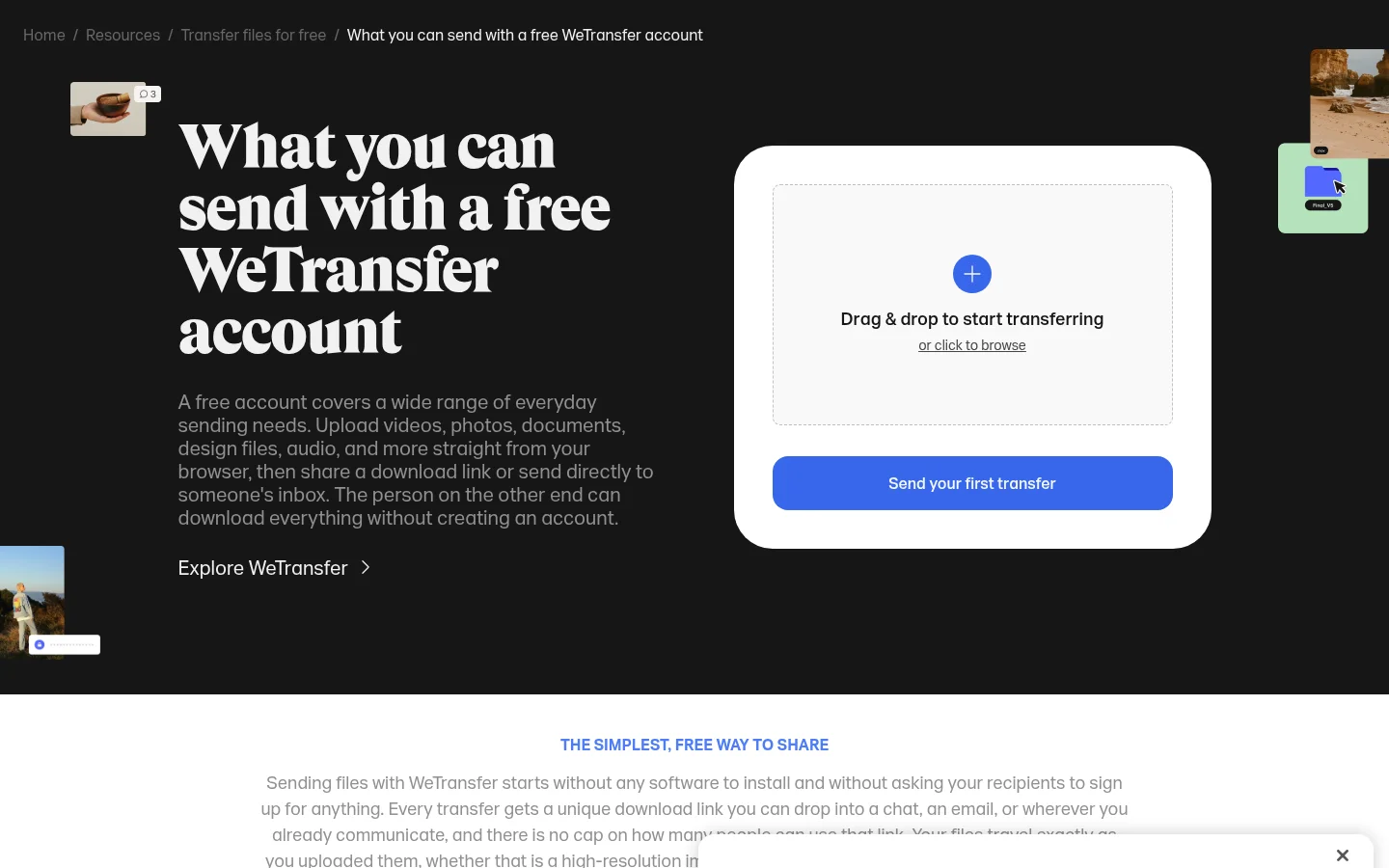
WeTransfer lets a free account send up to 10 transfers and 3 GB of total usage per rolling 30-day window, and its links expire after a maximum of 3 days. Its password and email restriction are free on every plan.
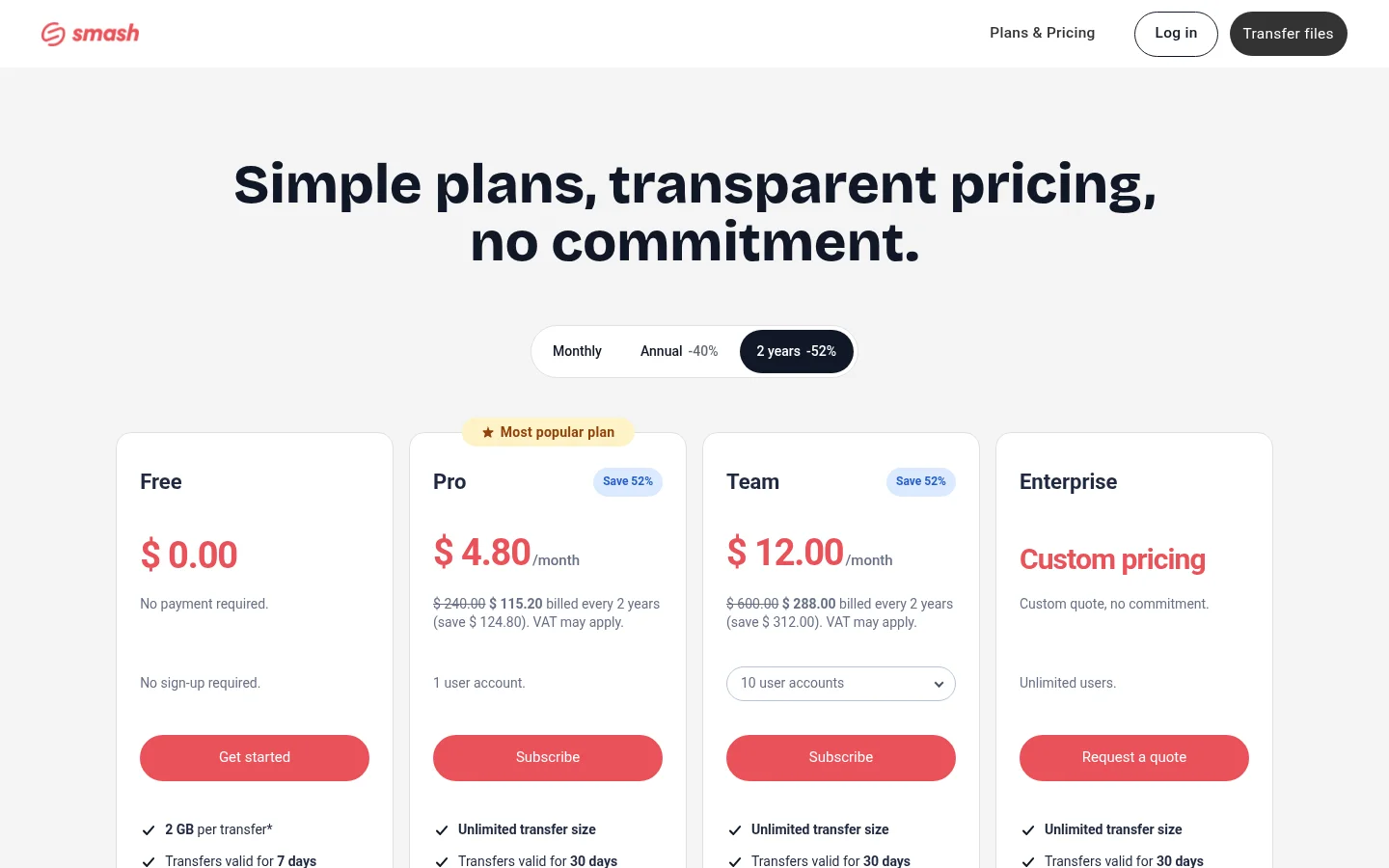
[Smash](https://fromsmash.com/pricing) has no payment and no sign-up for its free plan. Transfers stay valid for up to 7 days, and beyond 2 GB, transfers join a queue behind Pro transfers.
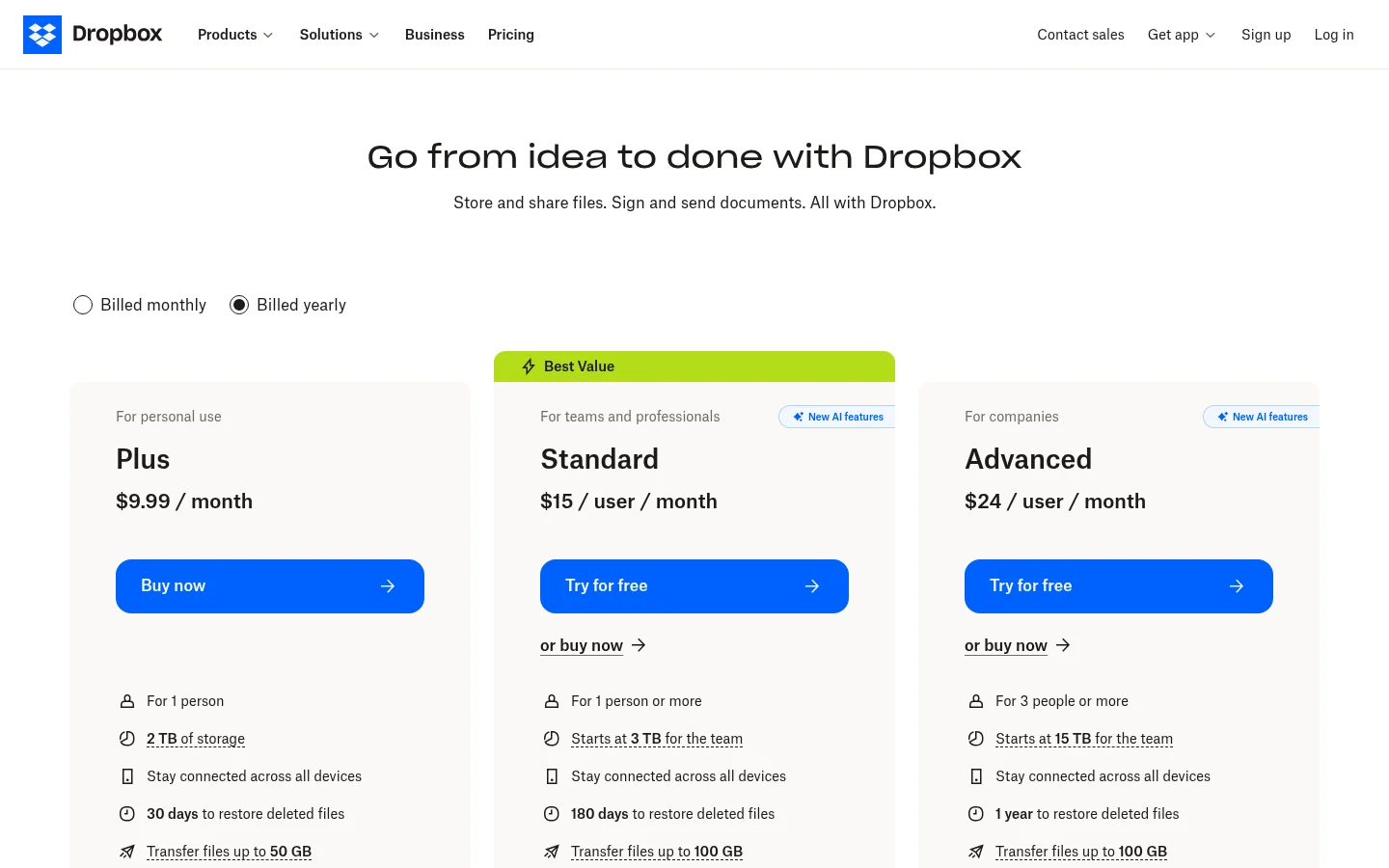
Dropbox Basic allows 2 GB per transfer, and its transfers expire after 7 days. Custom expiry dates and passwords come with Standard and the higher Dropbox plans.
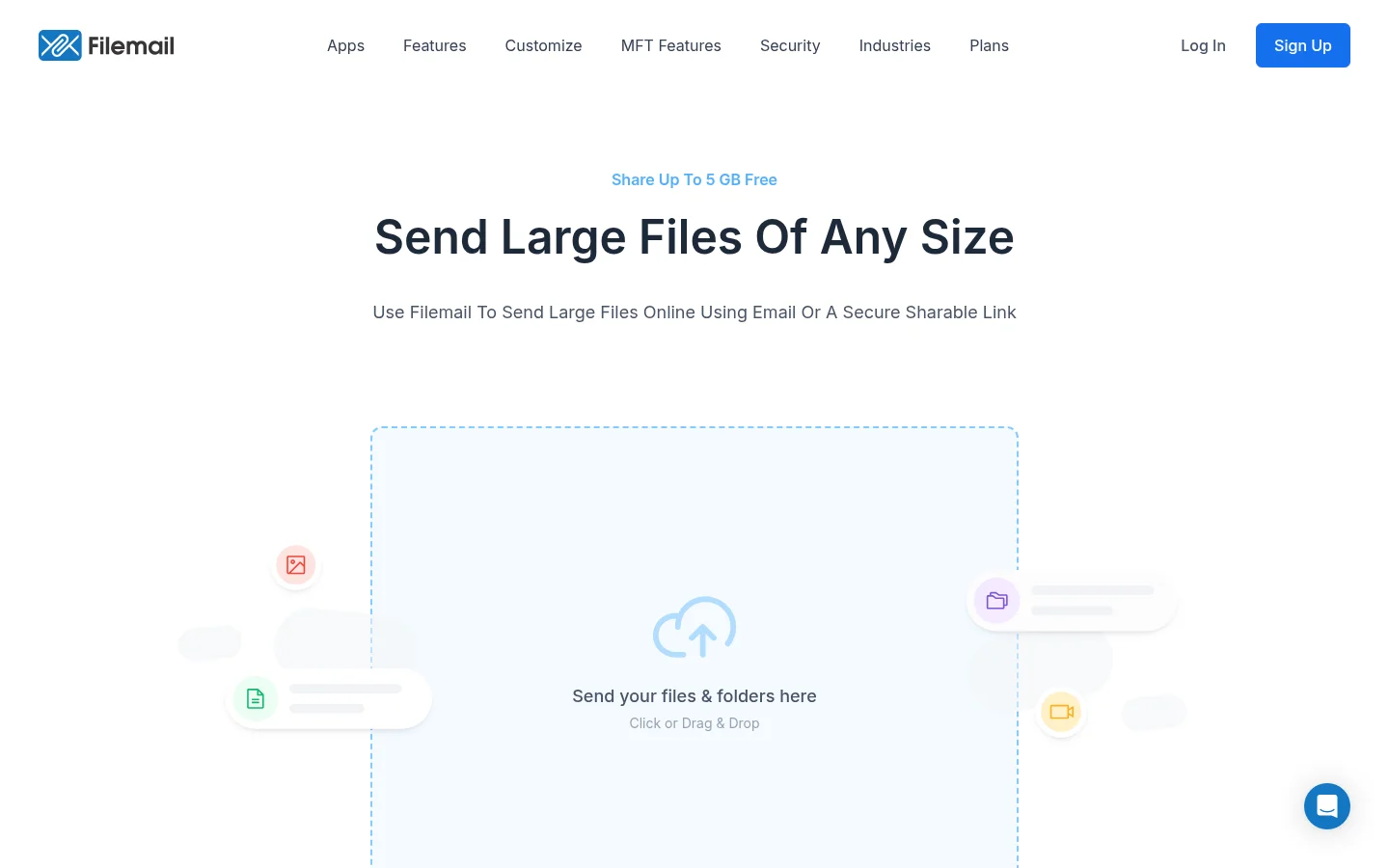
Filemail lets you send up to 5 GB per transfer for free, and recipients need no registration or app to download the files.
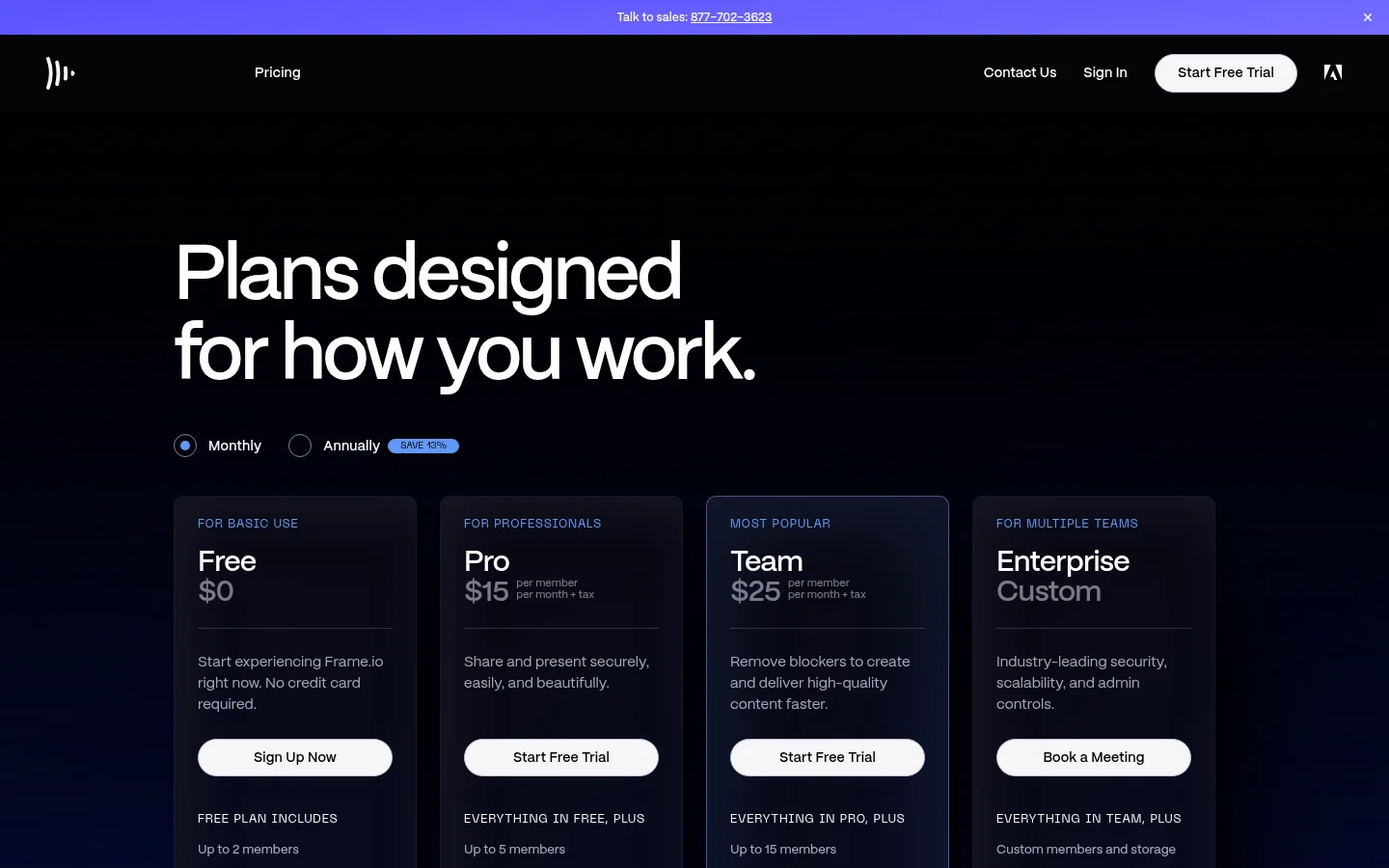
[Frame.io](https://frame.io/pricing) lists up to 2 members on its Free plan. Free also includes up to 2 projects.
Filemail allows 5 GB per transfer, Smash and Dropbox Basic allow 2 GB each, and Tarkle Free allows 1 GB. WeTransfer's 3 GB is a total across a rolling 30 days, not one transfer. If you only need to push one large file now and then, one of these can be enough. Tarkle Free fits when the link should carry a custom domain and password protection, and when you want one place for notes on stills and PDFs.
When Pro or Agency is the better fit
Move to Pro when the finished master is bigger than 1 GB, as long 4K exports often are. Pro costs $29 per month, or $19 per month billed yearly ($228 per year). It raises the file limit to 200 GB and storage to 3 TB. It adds file versioning, 90-day file recovery and a fully branded client portal: a branded place where each client signs in with their email, sees only what you shared with them and sends files back. The send large files page has the details.
Agency is for agencies using Tarkle for their clients. It costs $59 per month, or $49 per month billed yearly ($588 per year). It includes everything in Pro, plus 20 workspaces for your clients, 6 TB of storage and a 100% white-label platform. Your clients can log in on your branded platform. White label replaces the Powered by Tarkle line with your agency name when the organization is active, its owner has switched White label on and the Agency plan is in force. Without it, the Powered by Tarkle line stays. See white label for agencies.
If the master is only slightly over 1 GB, do not split the file by hand. Send the review cut on Free, and move the organization to Pro when the first final is due.
Set this up today
Check your biggest export against the 1 GB Free limit.
Export your next review cut as an MP4 with a version number in the file name.
Send it from a transfer with a password and an expiry date, and open the link yourself first.
Ask the client for one list of timecoded notes, and keep the reply that says approved.
Put stills and PDFs on a client feedback review board, so clients can comment and approve with one link.
What to remember about Tarkle
Tarkle's Free plan sends files up to 1 GB, and a person who receives a public link needs no account. Pro and Agency raise the file limit to 200 GB for finished masters. See pricing for the plans, then Start for free with your next review cut.
