Free file sharing for business: a checklist before you pick
Seven checks for free business file sharing, scored on Tarkle Free: file size, storage, expiry, branding and limits.

Free file sharing for business works when the free plan matches how you actually send files: how big they are, how long a customer needs the link, and who is allowed to open it. This checklist gives you seven checks to run on any free tool, then scores Tarkle Free against them, including the point where Free stops and Pro starts.
Last checked: October 2026.
What should free business file sharing include?
Free business file sharing should let you send a file to a customer or supplier without making them create an account, protect the link when the file is sensitive, and look like your business rather than a stranger's website. It should also tell you plainly what happens when you outgrow it.
A one-off send is different from sending files to the same people again and again, so the checks below go beyond the headline file size.
The 7-point checklist for free business file sharing software
File size. What is the biggest single file or transfer? Check the number on the vendor's own page, because it differs by plan.
Storage. Does the tool keep your files, or does it only hold them until the link expires? A transfer tool with no storage cannot be your filing cabinet.
Expiry. How long does a link last, and can you choose? A link that dies in three days is a problem when a supplier opens it after a long weekend.
Who can see files. Can you add a password, disable a link, or limit who opens it?
Branding. Do customers see your logo and your address, or someone else's?
Support. Who answers when a customer cannot open a link?
Growth. What changes when you add a second person, a bigger file, or a customer who wants a login?
Write down your three biggest real files from the last month before you compare tools. The largest one decides whether a free size limit is enough.
How do free file sharing tools compare?
The table puts four other free plans next to Tarkle Free. The competitor facts come from each vendor's own free plan or help page, read in October 2026. "Not stated" means the page we read does not give that number.
Tool | Free size | How long a link lasts |
|---|---|---|
Tarkle Free | 1 GB per file and per transfer, 5 GB storage | You set an expiry date on a transfer or file request link |
3 GB of total usage per rolling 30 days | 3 days at most | |
Not stated | Not stated | |
5 GB per file, 5 GB storage | Up to 7 days | |
50 GB per transfer | Up to 30 days |
Here is what each vendor's free page says:
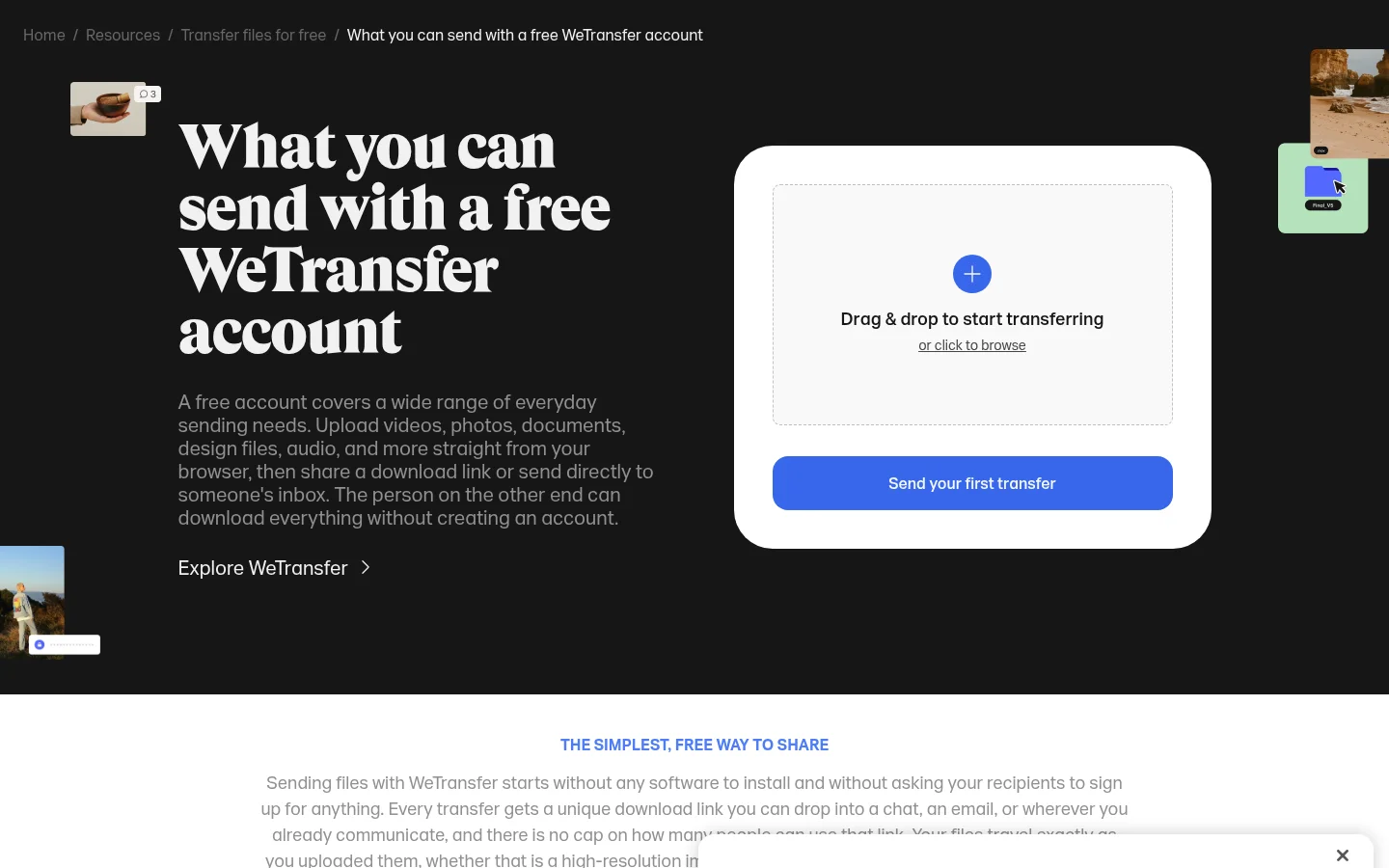
WeTransfer: free accounts allow up to 10 transfers and up to 3 GB of total usage per rolling 30-day window, and transfer links expire after a maximum of 3 days.
Dropbox Transfer: on Dropbox Basic, the transfer size limit is 2 GB and the transfer expires after 7 days, according to the Dropbox Transfer help page. Custom expiry dates, passwords and logos are listed for the paid Dropbox plans.
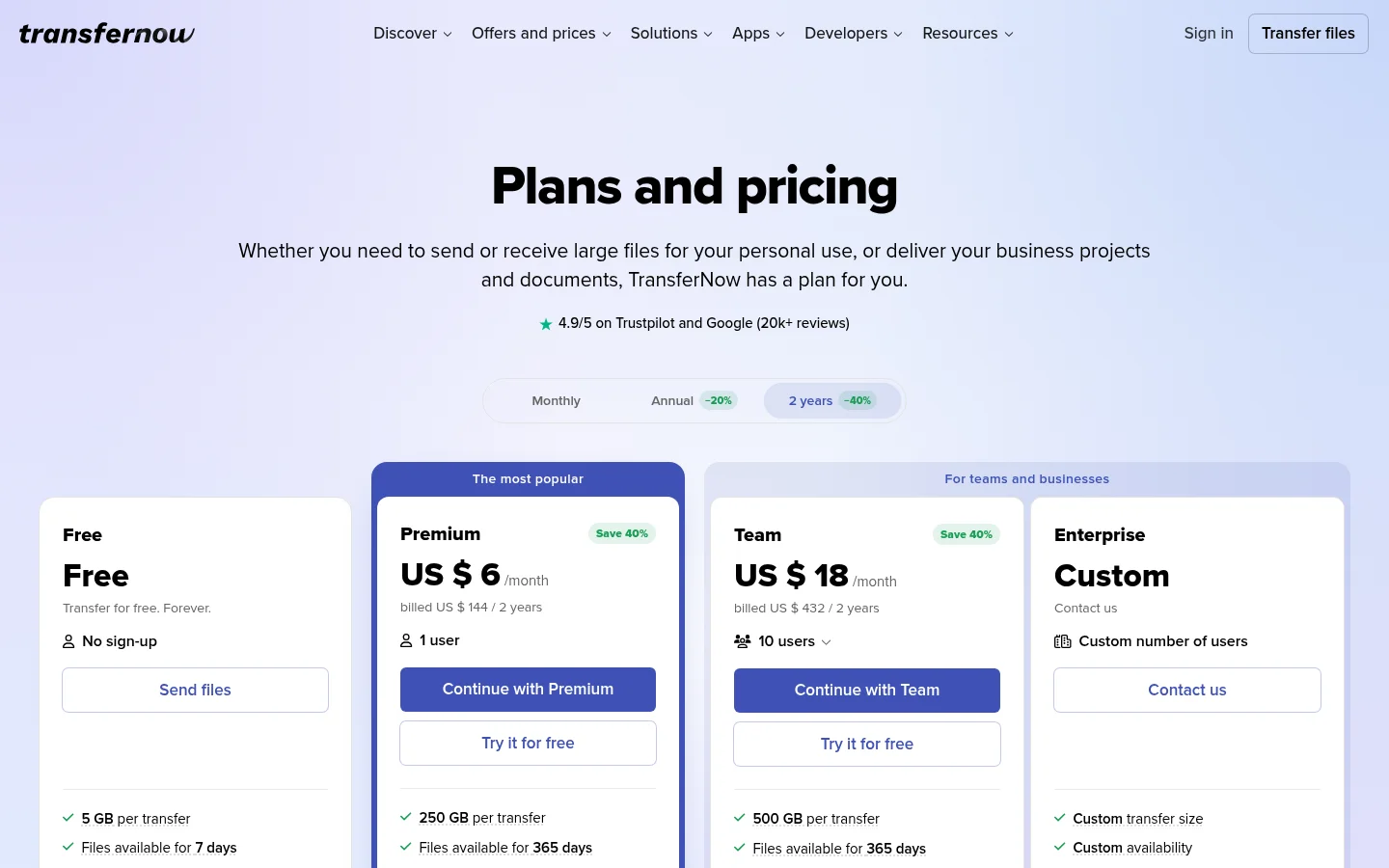
TransferNow: the free page we read does not state a free size limit, and it says you need a TransferNow account to transfer large files.
Filemail Basic: you can send and receive files up to 5 GB each, with 5 GB of storage, files available for up to 7 days and 2 transfer sessions per 24 hours.
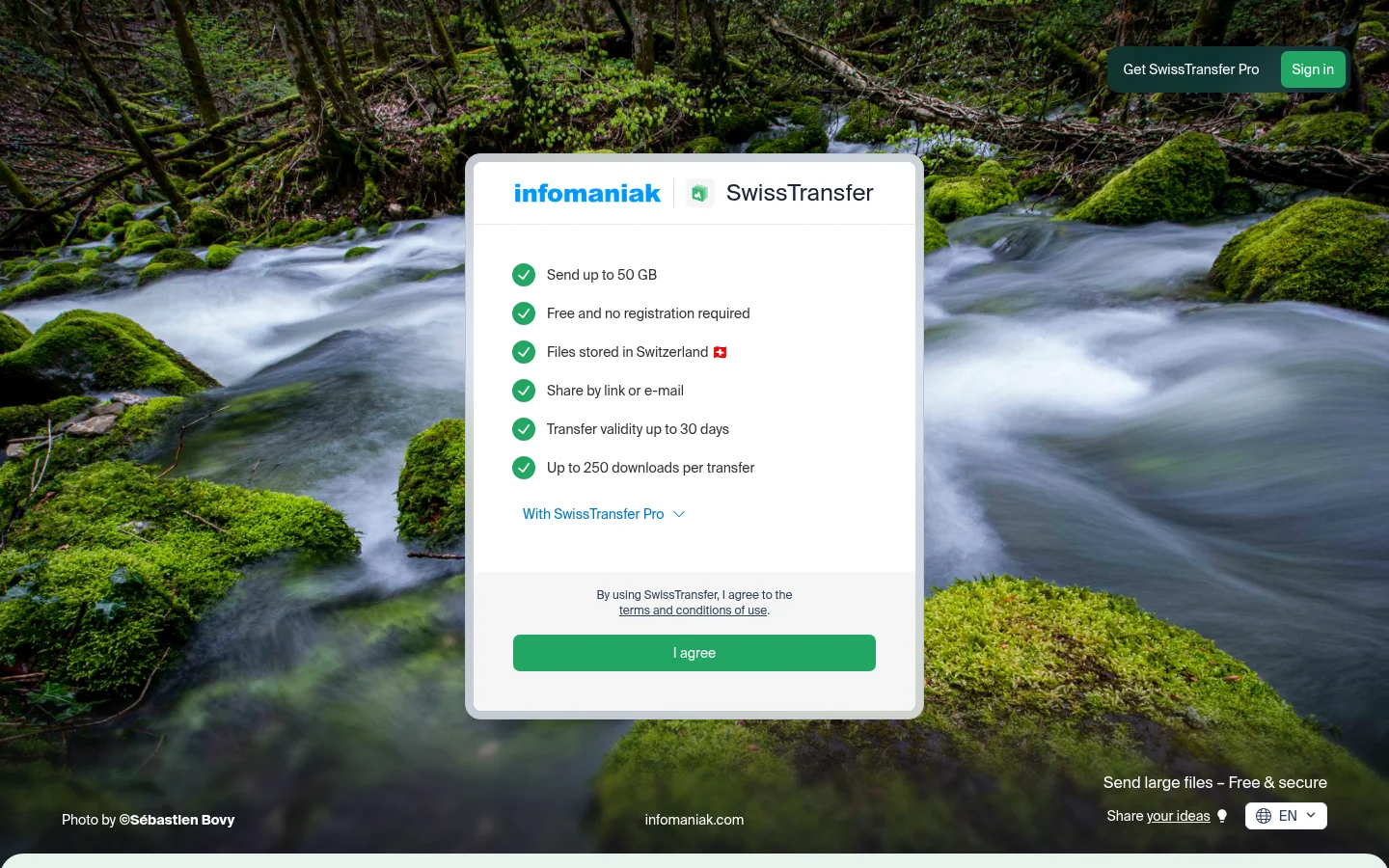
SwissTransfer: free, with no registration required, up to 50 GB per transfer and a validity of up to 30 days.
Two things stand out. Tarkle Free's 1 GB limit per file is smaller than every free size in this table where one is stated, so if you regularly send files over 1 GB, a transfer tool such as Filemail or SwissTransfer may serve that job better today. Tarkle Free gives you 5 GB of storage for files you send again and again to the same customers, with a custom domain on your links and your logo on your pages.
What does Tarkle Free include?
Tarkle Free costs $0 and needs no credit card. It covers one workspace for one person, with 5 GB of cloud storage and uploads up to 1 GB. You can share files by link and send file requests. Recipients of a public link do not need an account to download. The file sharing page shows how a transfer link works.

Here is how Free scores against the checklist.
Check | Tarkle Free |
|---|---|
File size | 1 GB per file and per transfer |
Storage | 5 GB storage |
Expiry | You set an expiry date on a transfer or file request link |
Who can see files | Passwords on shared files, and you can disable a transfer link |
Branding | Custom domain and branding, and you can share logos and brand assets |
Support | Priority support is a Pro and Agency feature |
Growth | Pro adds 3 TB of storage, files up to 200 GB, team members and a fully branded client portal |
Free also includes file requests, so a customer can upload documents to you through a link instead of emailing attachments. It also has client feedback and approval, and event management. For branding, a custom domain lets links come from your own address, such as files.yourbusiness.com. Read more on the custom domain page.
Set an expiry date on every transfer that holds contracts, invoices or ID documents. A link that stops working on its own is safer than one that sits in an old email for years.
Where does Tarkle Free stop?
Free covers one person sending files to customers. Four things change when you move to Pro, so it helps to know them before you share your first link.

One person. Free is for one person.
1 GB per file and 5 GB of storage. When you reach a limit, uploads may stop until you free up space or upgrade. Reaching a limit does not delete existing files, according to the Terms of Service.
Client portal starts on Pro. Pro and Agency give your recipients a branded place to receive and manage the files you share with them.
Shorter recovery. Deleted items wait in a recovery bin for 30 days on Free and 90 days on Pro. See file retention and recovery.
One more rule worth knowing: under the Terms of Service, Free accounts with no sign-in or workspace activity for 6 consecutive months may be deleted, and Tarkle sends at least one notice first.
When is Pro or Agency the better fit?
Pro costs $29 a month, or $19 a month billed yearly ($228 a year). It includes everything in Free, plus 2 workspaces, 3 TB of cloud storage, an upload limit of up to 200 GB, the fully branded client portal, 90-day file recovery and priority support. It fits a business with several staff, large files, or customers who should log in to find their documents. The pricing page lists every plan.
Agency costs $59 a month, or $49 a month billed yearly ($588 a year). It includes everything in Pro, plus 20 workspaces for your clients, each with the Pro features, 6 TB of cloud storage, a 100% white-label platform and a client provisioning portal. The "Powered by Tarkle" backlink is replaced by your agency name once the owner turns White label on and the Agency plan is in force. It fits an agency that shares files with its own clients on its own domain. Read more on white label for agencies.
Honest advice: a solo owner who sends files of 1 GB or less to customers fits Free. If you send files over 1 GB regularly, need a second person in the account, or want customers to sign in to a client portal, move to Pro.
Free file sharing for small business: a short checklist
Before you commit to a tool, run through this list:
Write down your largest file from the last month and compare it with the free size limit.
Decide if you need storage or only a send link.
Check how long a link lasts and whether you can set the date.
Confirm you can add a password and disable a link.
See whether customers will see your logo and your own address.
Ask who answers a customer who cannot open the link.
Read what the first paid plan adds and what it costs.
For a longer look at the difference between sending and storing, read file sharing vs cloud storage.
What to remember about Tarkle
Tarkle Free costs $0 and needs no credit card, and it gives one person 1 workspace, 5 GB of cloud storage and uploads up to 1 GB. It includes file sharing, file requests, password protection, custom branding and a custom domain. When you need a team, files up to 200 GB or a branded client portal, Pro adds them. Start for free, or compare plans on the pricing page.
