Dropbox affiliate program vs referrals: what each one pays
Dropbox pays storage through Refer a friend and a DocSend revenue share. See what each pays and which fits you.

The Dropbox affiliate program is not one program. Dropbox pays storage through Refer a friend, runs a reseller track called the Partner Program, and publishes an affiliate track only for DocSend, its document-sharing product. This guide keeps the three apart, gives the figures Dropbox and DocSend publish for each, and shows which one fits a blogger, a Dropbox user or a reseller. If you want an affiliate program with published terms, it also covers Tarkle's.
The figures below come from the help and program pages of Dropbox and DocSend, and the links go to those pages. Both companies can change their terms at any time, so open the source before you publish a number.
Which Dropbox program pays what?
Dropbox has three programs that people lump together. They have different rewards and different audiences.
Program | What it pays | Who it suits |
|---|---|---|
Refer a friend | Storage: 500 MB per referral on Basic, 1 GB on Plus, Family and Professional | Dropbox users who want more space |
DocSend affiliate program | A revenue share on every paying customer you refer, with no cap on what you can earn | Creators, agencies and publishers who write about DocSend |
Dropbox Partner Program | Sales and marketing resources, deal protection and certifications | Resellers and channel partners, not bloggers |
Is there an affiliate program for Dropbox itself?
The Dropbox Partner Program page is written for resellers and channel partners. It lists sales and marketing resources, deal protection and certifications, links to a partner portal and to the Dropbox Reseller Agreement.
If an invitation or a directory lists a Dropbox affiliate program, read the terms inside it before you promote anything.
Never copy a commission rate from a directory into your own post. If the number is wrong, your readers see your page, not the directory's. Quote a rate only from the program's own terms.
What affiliate program does Dropbox publish?
The affiliate track Dropbox publishes is for DocSend, a separate Dropbox product. Its partnerships page offers a revenue share: promote DocSend to your audience and earn a commission on every paying customer you bring in, with no cap on how much you can earn. The track comes with a real-time affiliate dashboard that tracks clicks, conversions and earnings, and a dedicated affiliate manager. The page says it is best for creators, agencies and tech publishers. Ask for the rate in writing before you build content around it.
The Become an Affiliate Partner button on that page leads to an application form. Apply if your audience fits DocSend.
DocSend also has a customer referral program, described in a Dropbox help article last updated in December 2025: a $15 credit for each new user you invite. Non-USD users will receive a 1 month equivalent of DocSend personal. The person you invite has to upload their first document, create a DocSend link and receive a visit before the credit arrives. That is a credit for customers, not an affiliate payout.

How does Dropbox Refer a friend work?
The Dropbox help article on referrals, updated 30 September 2026, applies to Dropbox Basic, Plus, Family and Professional. The reward is storage:
Basic accounts get 500 MB per referral and can earn up to 16 GB.
Plus, Family and Professional accounts get 1 GB per referral and can earn up to 32 GB.
The friend you invite earns 500 MB of additional free storage.
Users on Dropbox team accounts cannot send referrals.
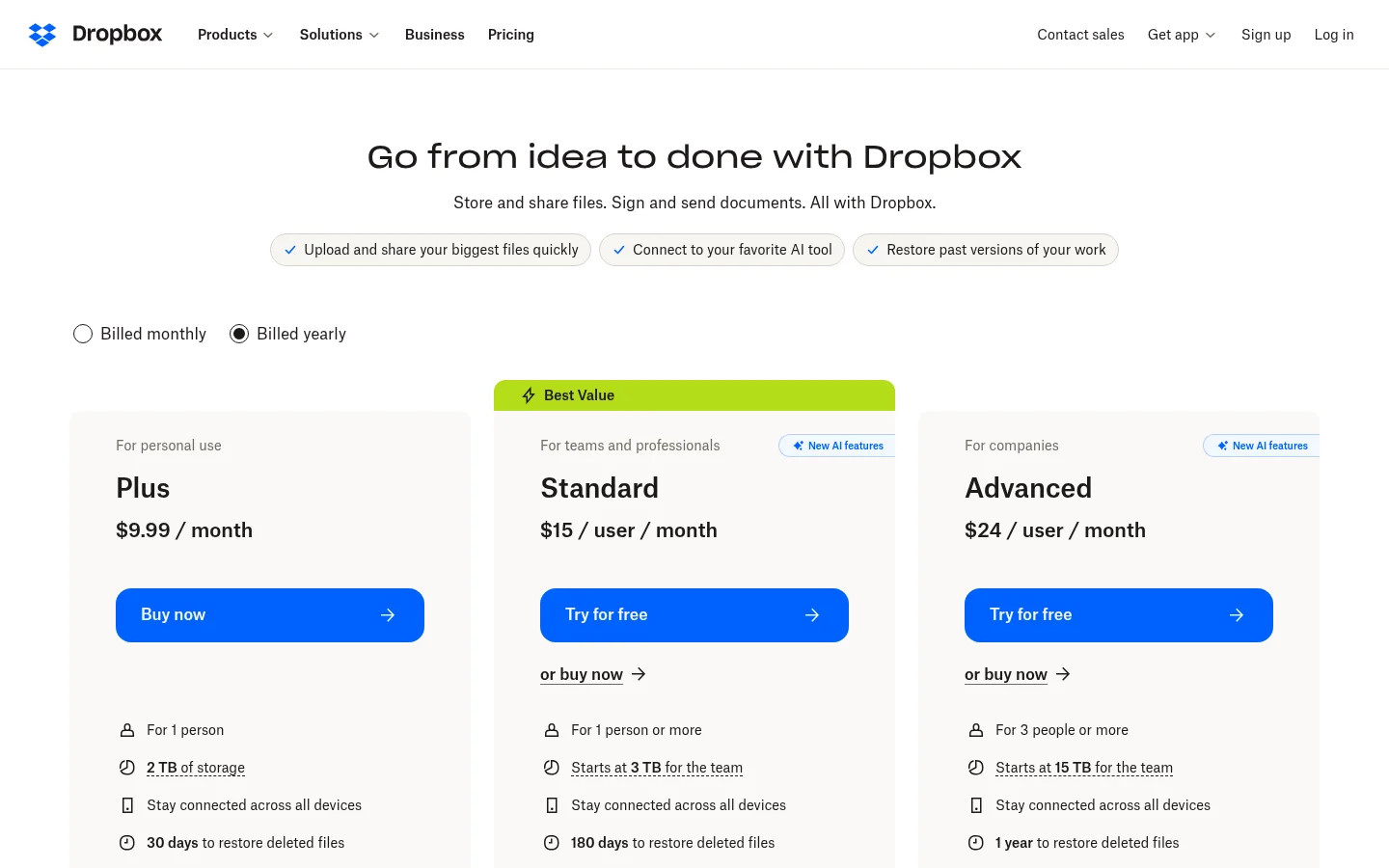
Dropbox Basic offers 2 GB of starting storage, according to its get more space article, so referrals are the free route to more.
To invite someone on dropbox.com, log in, click your avatar in the bottom-left corner, open Settings, then click Refer a friend. You can invite someone with a link or email. Referral from the mobile app is available only to Basic users.
Your friend has to finish four steps before either of you gets the space: create an account from the link, download and install the Dropbox desktop or mobile app, log in to the desktop app, and verify their email address. Under Total bonus space earned, the Recipient email column shows each referral's status: Invitation sent, Waiting for install, Waiting for email verification, Completed or Ineligible. Completed means both of you have been credited. Ineligible can mean the recipient already has an account with Dropbox, or that they tried to register on the same computer as you.
Two rules catch people out. Sharing a folder does not count as a referral. And if a friend receives referrals from several senders, only the sender of the referral link that's used earns bonus space.
Which one fits you?
You are a Dropbox user who wants free space. Refer a friend is the program that fits. Check that you are on a personal plan, because team accounts cannot send referrals, and send the link to someone who does not already have a Dropbox account.
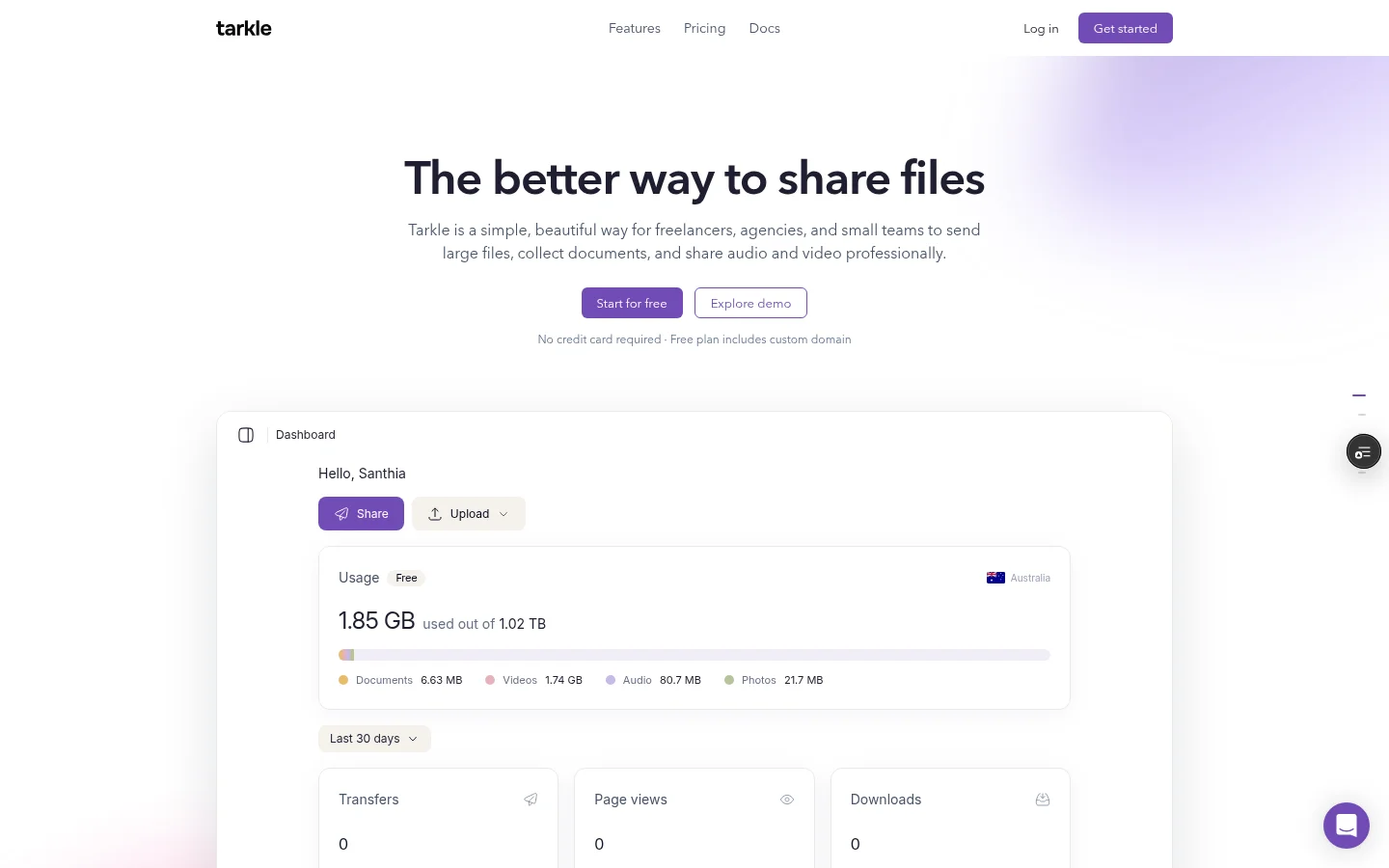
If the space is for client work, Tarkle's Free plan covers 5 GB of cloud storage. Free also includes file sharing and file requests, and you can import files from Dropbox or Google Drive. The Free plan needs no credit card. Free uploads go up to 1 GB each, and Pro and Agency support files up to 200 GB. The Dropbox import feature page says Bring files in from Google Drive or Dropbox without downloading them first, and pricing lists the plans.
You are a blogger or reviewer who wants income. Refer a friend does not fit, because Dropbox lists storage as its reward. The Dropbox Partner Program is a reseller route, not an affiliate track. DocSend's revenue share is worth a look if your readers send documents to investors or buyers.
If you would rather promote a program with published terms, Tarkle's affiliate program publishes its terms. You earn a 20% commission on paid Tarkle Pro payments from the customers you refer, and it continues while the customer keeps paying. It stops when the customer cancels or stops paying. Free plans earn nothing, and Reseller and Reseller Pro plans are not commissionable. The attribution window is 45 days from the click. To join, sign in to your Tarkle account, open the affiliate page and press Join the affiliate program. The account becomes active one hour after you confirm your email. The program is separate from Refer a Friend, which rewards storage and never pays cash. Read the Tarkle affiliate terms in full before you join, and see our guide to the Tarkle affiliate program.
You are a reseller. The Dropbox Partner Program is the route, and it is a business agreement rather than a link you paste into a post. Read the Dropbox Reseller Agreement before you apply.
How should you disclose a referral or affiliate link?
Put the disclosure next to the link, in plain words, not in a footer. Two examples you can adapt:
For a Refer a friend link: "This post contains my Dropbox referral link. If you sign up through it, I get extra storage."
For an affiliate link: "This post contains a paid link. I earn a commission if you buy through it."
Do not promise yourself or your readers an income. For a review, also tell readers what other people say. Our own reading of Dropbox user reviews is in Dropbox honest review and alternatives for file sharing.
Common mistakes
Quoting a commission or a cookie length from a directory, not from the program.
Treating DocSend's affiliate program as a program for the main Dropbox product.
Expecting credit from a shared folder. Dropbox says it does not count.
Sending referrals from a team account, which cannot send them.
Counting the reward before the status says Completed.
Next step
Before you publish, open the Dropbox help article again and check the date at the top: if it changed, the caps may have too. If you are comparing Dropbox with other tools for client work, read free Dropbox alternatives compared or what to consider before signing up for Dropbox.
What to remember about Tarkle
Tarkle lets you import files from Dropbox into your library and share them with clients by link. The Free plan needs no credit card. Its affiliate program publishes its terms, including a 20% commission and a 45-day attribution window, and it is separate from Refer a Friend, which rewards storage. Start for free.