Lifetime cloud storage deals: seven plans compared
Seven lifetime cloud storage plans compared by one-time price, storage and refund rules, with five checks to run first.

The best lifetime cloud storage deals depend on the job you need the storage to do: personal files and photos, files spread across several clouds, documents and e-signatures, or business files you share with clients. This guide compares seven lifetime cloud storage plans, quotes each price from the page where it is sold, and gives you five checks to run before you pay. Tarkle suits freelancers, agencies and small teams that send files to clients and collect files from them.
Prices below are the ones shown on each linked page. Offers change, so check the page and its refund terms before you pay. Tarkle is our own product, so read this page as Tarkle's own view.
The best lifetime cloud storage deals compared
Provider | Sold by | One-time price | Storage | Refund or return rule on the page |
|---|---|---|---|---|
Tarkle | Tarkle | $29, $169, $299 | 500 GB, 3 TB, 6 TB | Refunds handled when applicable, under Tarkle's refund policy |
pCloud | pCloud | $219, $499, $1,499 | 500 GB, 2 TB, 10 TB | 14-day money-back guarantee |
Internxt | Internxt | Price on the page | 1 TB, 2 TB, 5 TB | 30-day money-back guarantee |
Icedrive | Icedrive | Price on the page | 500 GB, 2 TB | 30-day money-back guarantee |
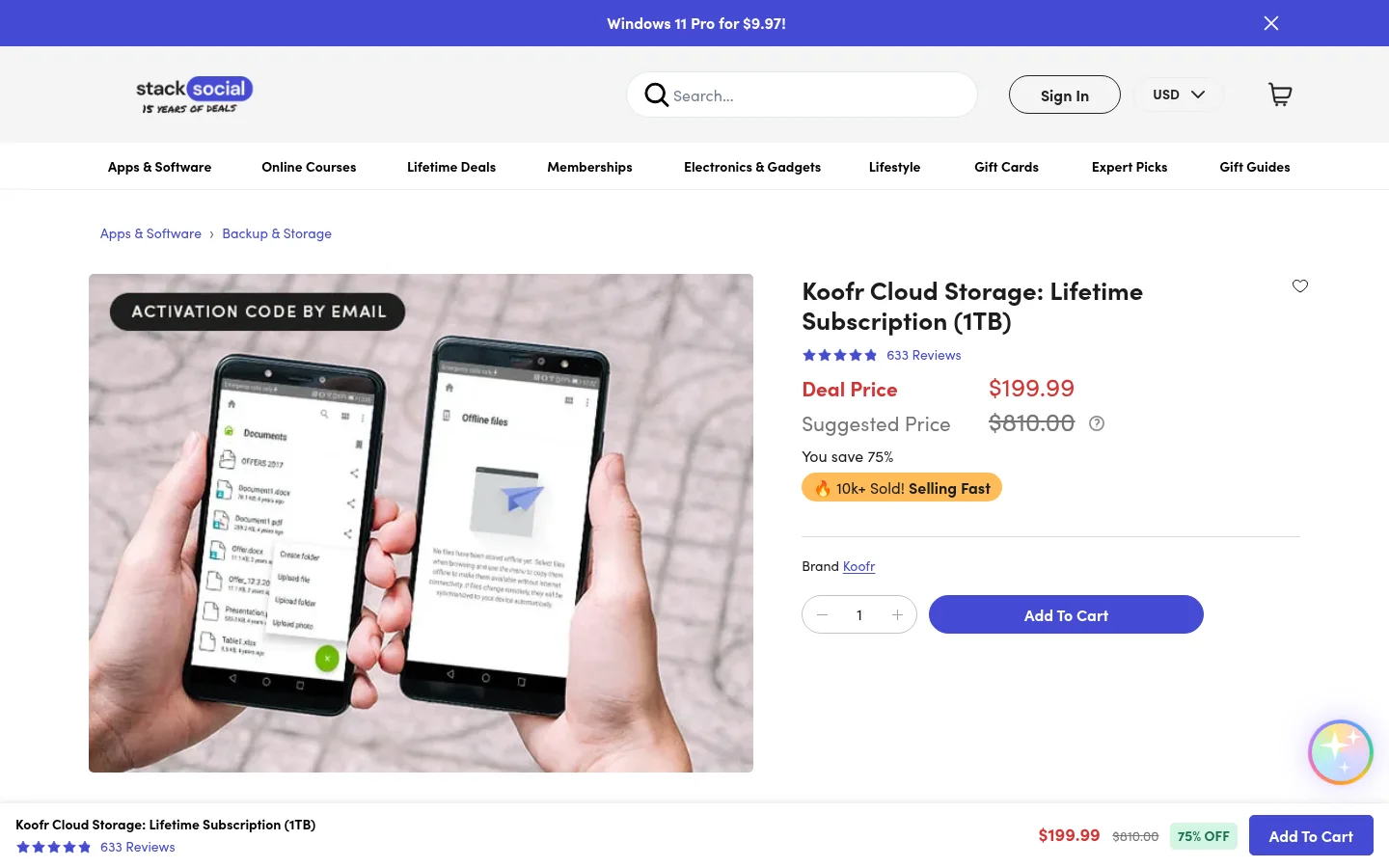
Koofr | StackSocial | Price on the listing | 1 TB | Unredeemed code: store credit within 15 days. Final once redeemed |
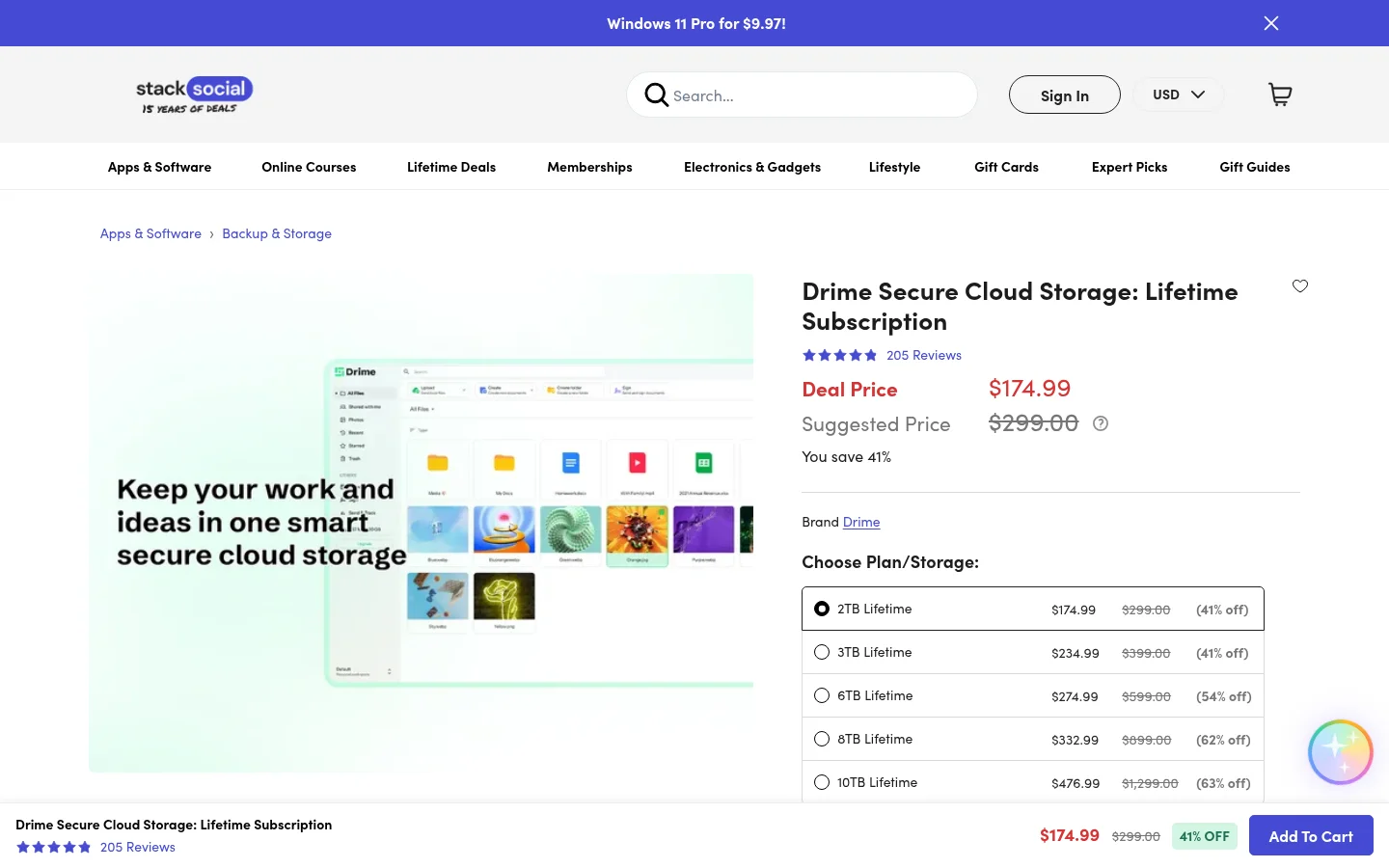
Drime | StackSocial | Price on the listing | 2 TB | Unredeemed code: store credit within 30 days. Final once redeemed |
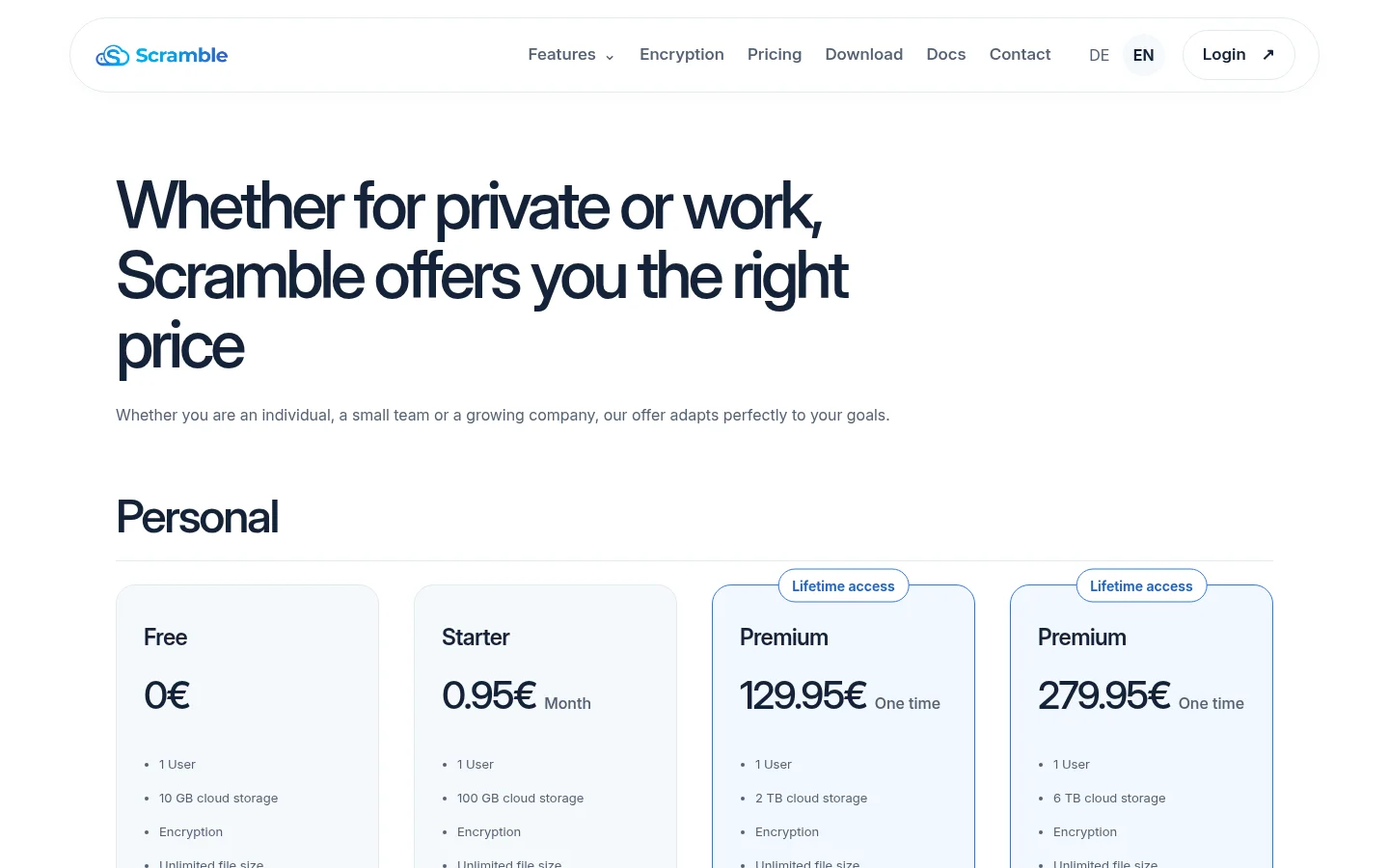
Scramble Cloud | Scramble | €129.95, €279.95 | 2 TB, 6 TB | Read Scramble's terms before you pay |
The table uses the price you pay. The table lists Tarkle first, because this is Tarkle's own guide. The other six follow in the order of the kind of user each one suits.
What do you give up with a lifetime cloud plan?
Paying once is the whole appeal, and it is a fair reason to choose one. Know the trade-offs before you do:
The starting amount is set by the plan you pick. Check how each seller handles storage you want to add later, because the terms differ from seller to seller.
Lifetime means the seller's terms. For Koofr, StackSocial's listing says lifetime access is defined in accordance with Koofr's terms of service and inactivity policy.
The terms can change. pCloud's offer terms say pCloud International AG can change them at any time.
Refund rules differ. Some sellers give a money-back window. On the StackSocial listings for Koofr and Drime, unredeemed codes can be returned for store credit, and redeemed codes are final.
Keep an independent copy of any file you cannot replace. A lifetime plan is a place to store files, not a backup of them.
How to check a lifetime cloud deal before you pay
Run these five checks on the exact page that will take your money.

Storage and room to grow. Confirm the amount, and whether you can add more later and at what price.
Upload and traffic limits. A large storage amount does not always mean heavy sharing. pCloud's lifetime page lists a total shared link traffic allowance next to each plan, 1000 GB on the 500 GB plan.
Sharing features. If you send files to other people, look for link passwords, expiry dates, your own domain and a way to receive files back.
What the plan leaves out. Read what is missing, such as team seats, version history or an AI assistant, and whether the plan is described as personal or business.
Refund and redemption rules. Note the refund window, whether it ends once you redeem the plan, and who the seller is. A direct purchase and a marketplace purchase of the same product can have different rules.
Save the offer page and the refund terms on the day you buy. Promotions change, and the version you saw is the version you can point to.
1. Tarkle
Best for: Freelancers, agencies and small teams that store business files and send or collect them with clients.
Every lifetime plan includes everything in Free, which means file sharing, file requests and a custom domain with branding. Pro 500 GB and Pro add a fully branded client portal, client feedback and approval, team folders and storage, file versioning and priority support. Agency includes everything in Pro. Each is paid once with no renewal.
Lifetime plan | One-time price | Storage | Includes |
|---|---|---|---|
Pro 500 GB | $29 | 500 GB | 1 workspace, 1 team seat, uploads up to 200 GB |
Pro | $169 | 3 TB | 2 workspaces, uploads up to 200 GB |
Agency | $299 | 6 TB | Everything in Pro, 20 workspaces for your clients, 100% white-label platform, client provisioning portal |
On Pro 500 GB and Pro, the "Powered by Tarkle" backlink stays on your pages. On Agency, your agency name replaces it when the organization's owner turns on White label and the organization is active on the Agency plan. The AI assistant comes with the monthly and yearly Pro plan, and lifetime plans do not include it.
Start with the Free plan. Free includes 5 GB of storage and uploads up to 1 GB. Refunds are handled when applicable: where the law requires one, or for a duplicate charge or billing error that Tarkle confirms. See the lifetime plans page for the plans and what each includes.
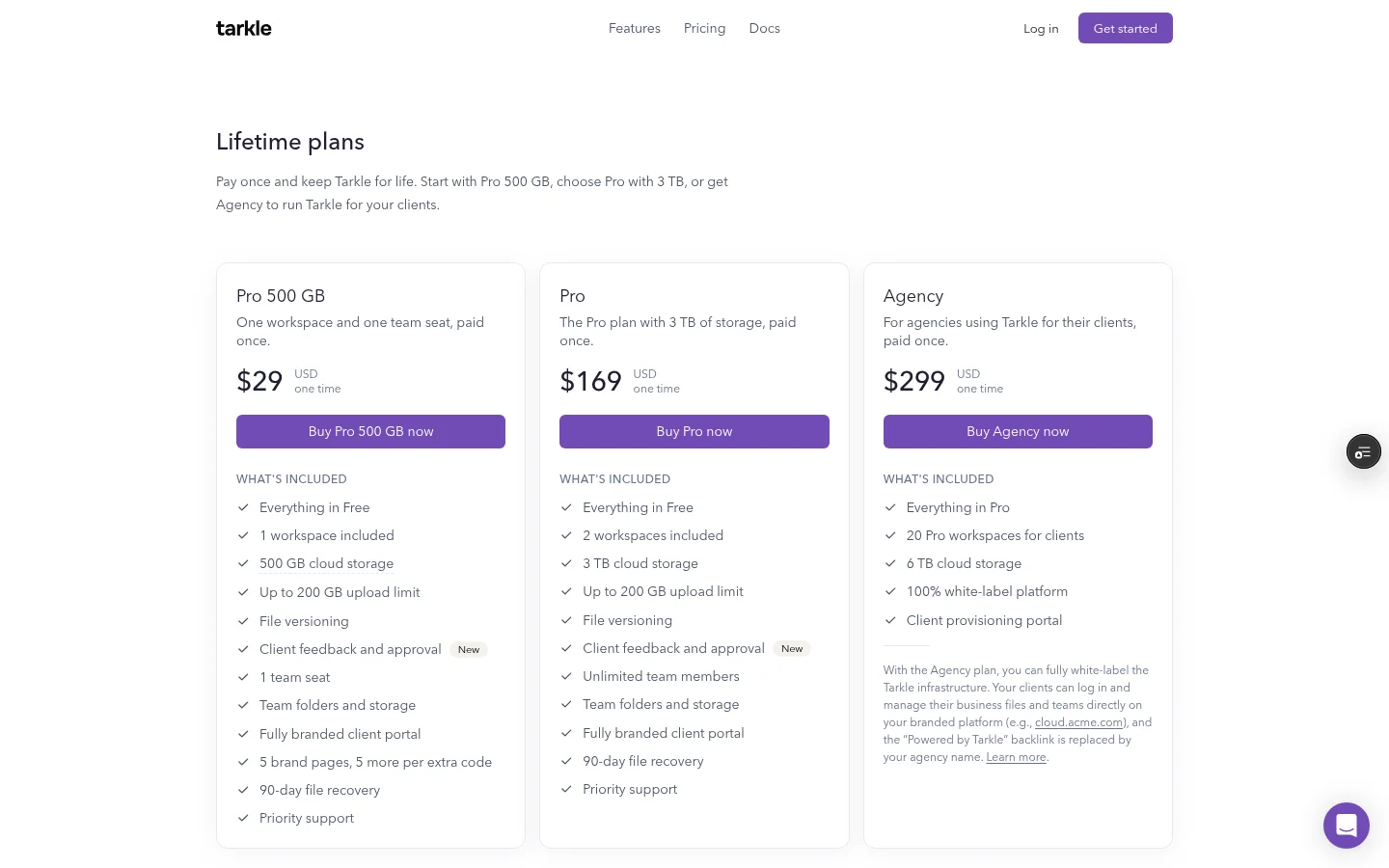
Free is one workspace for one person, so it is the quickest way to test whether sending and collecting files with your clients fits yours. When you are ready to pay once, choose Pro 500 GB for one workspace and one team seat, Pro for two workspaces and 3 TB of storage, or Agency for 20 workspaces for your clients.
Where to buy: Tarkle lifetime plans
2. pCloud
Best for: Individuals and families who want personal cloud storage with photos, documents and media playback in one account.
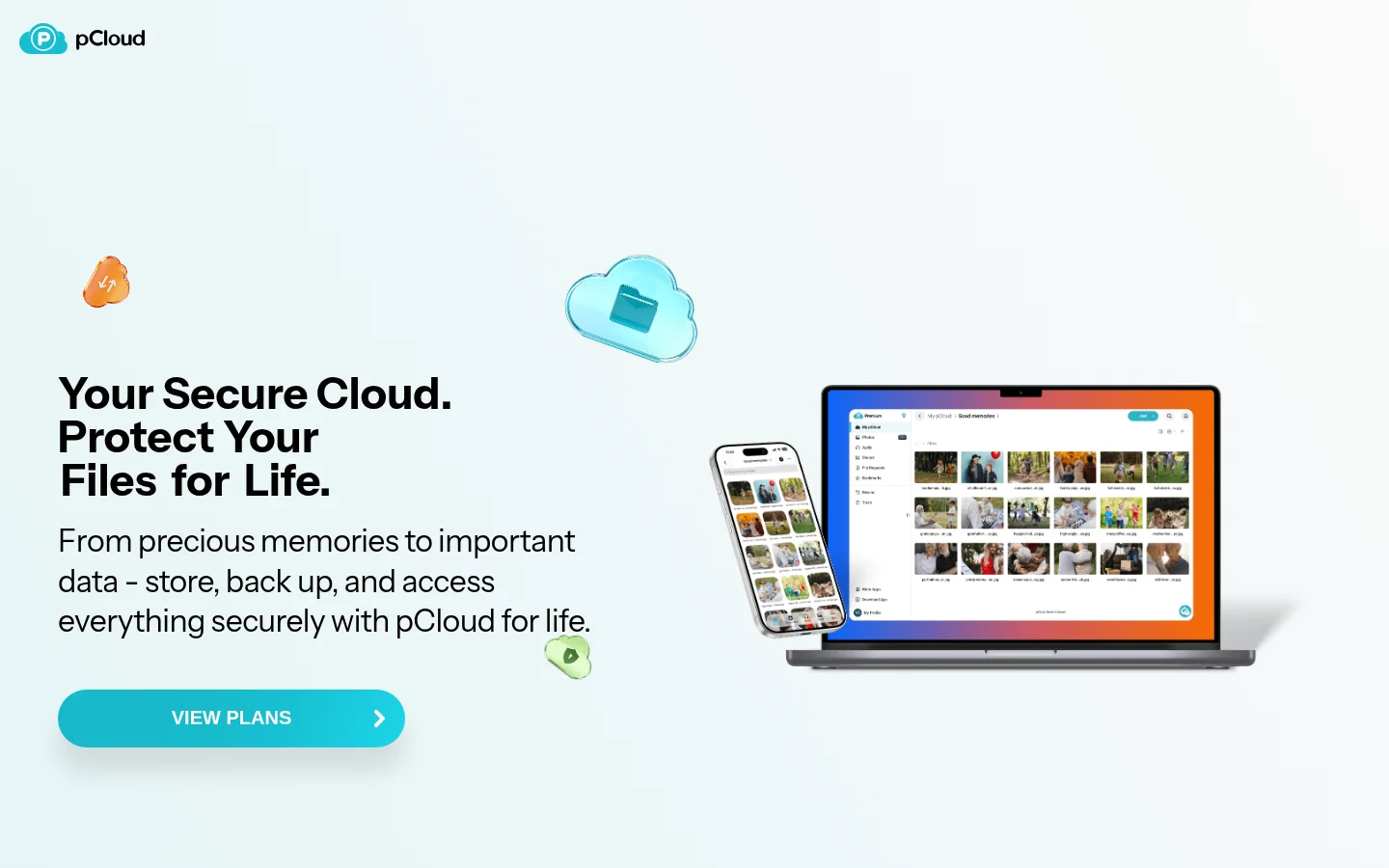
pCloud's lifetime page lists Premium 500 GB at $219, Premium Plus 2 TB at $499 and Ultra 10 TB at $1,499, each as a one-time payment. It shows them reduced from $279, $709 and $2,799. The plans include pCloud Photos, pCloud Docs, total shared link traffic of 1000 GB, 4 TB and 20 TB, an audio and video player, and backups from Dropbox, Google Drive, Facebook, Google Photos and OneDrive.
The shared link traffic allowance caps how much other people can download from your links. The offer terms give a money-back guarantee within the first 14 days after purchase. For a closer look, read our pCloud lifetime review and the Icedrive vs pCloud lifetime comparison.
Where to buy: pCloud lifetime plans
3. Internxt
Best for: People who put privacy first and want encrypted personal storage with a refund window.
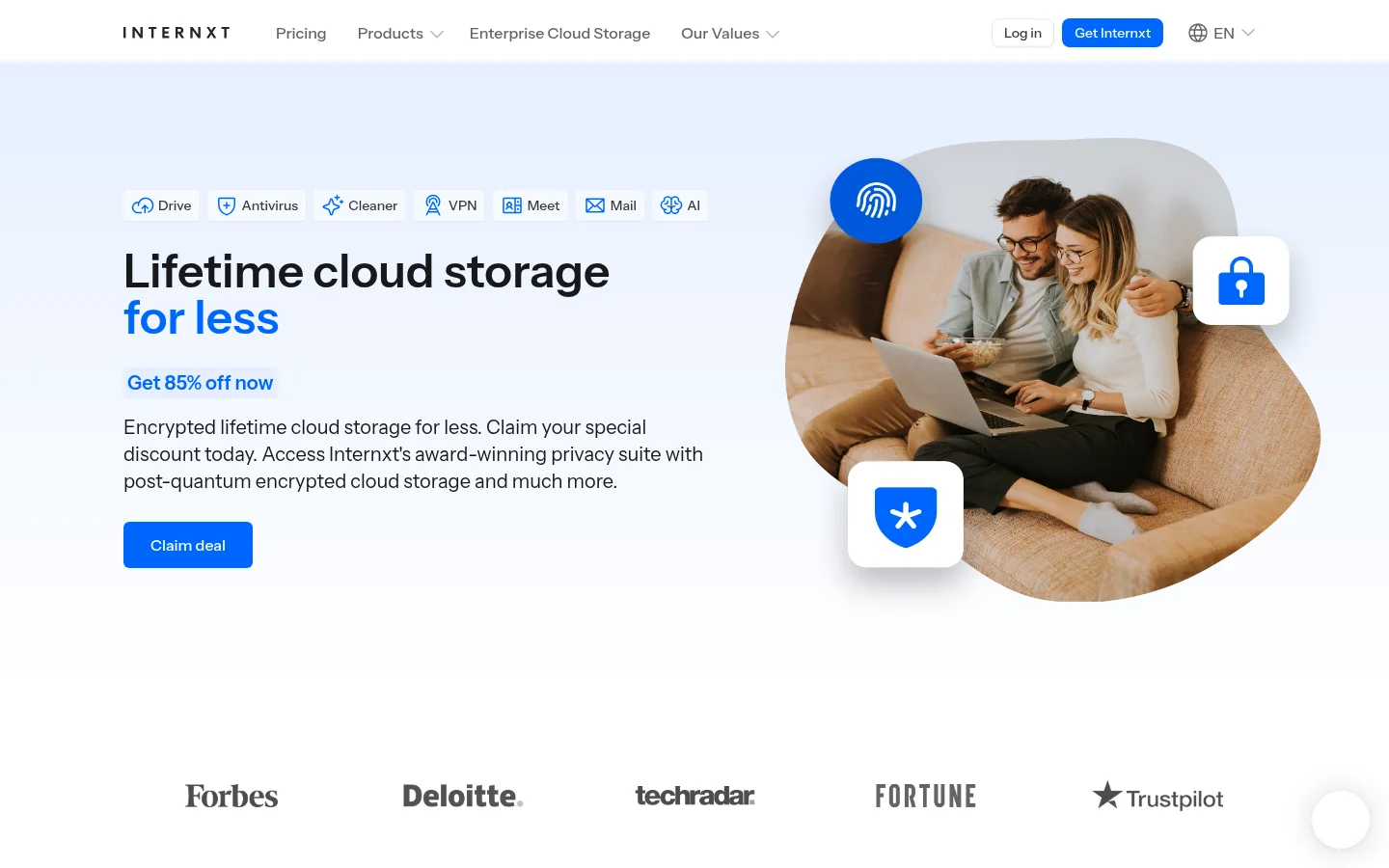
Internxt's lifetime page sells lifetime plans of 1 TB, 2 TB and 5 TB, and describes post-quantum encrypted cloud storage. The page states a 30-day money-back guarantee and describes the product as open source and audited.
Internxt is built around private storage. We compare it with Tarkle in Tarkle vs Internxt.
Where to buy: Internxt lifetime plans
4. Icedrive
Best for: Casual personal storage you add to and access over time.
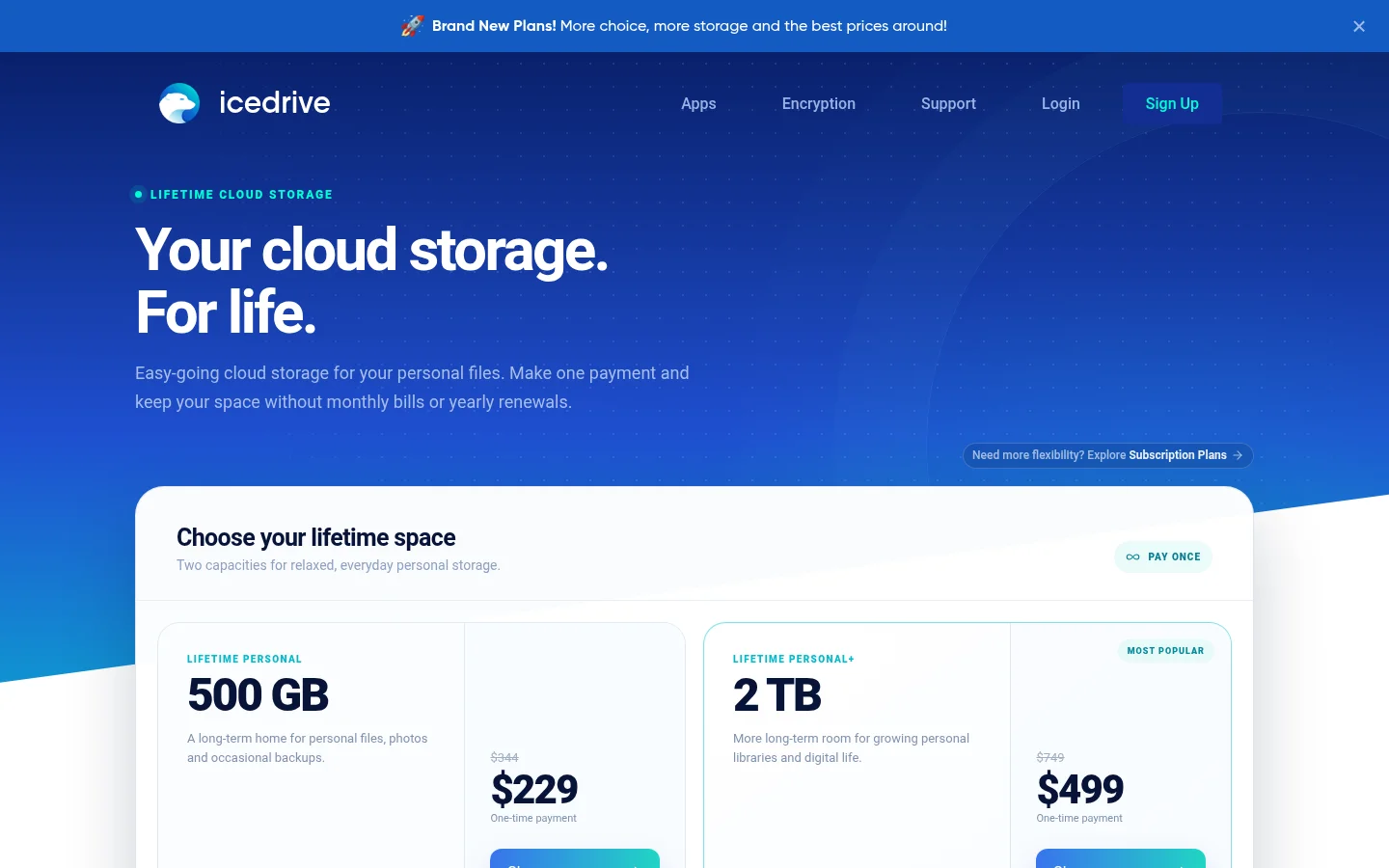
Icedrive's lifetime page offers Lifetime Personal 500 GB and Lifetime Personal+ 2 TB with no recurring renewal. Both come with zero-knowledge encryption, instant activation and a 30-day money-back guarantee. The page describes lifetime as made for everyday personal use.
A plan described as personal and casual is the right fit for personal files and photos. It is a different job from sending large files to clients every week. See Tarkle vs Icedrive for that comparison.
Where to buy: Icedrive lifetime plans
5. Koofr
Best for: People who already keep files in Dropbox, Google Drive or OneDrive and want one place to reach them.
Koofr's lifetime plan is sold through StackSocial, a marketplace, so the marketplace sets the purchase terms. The StackSocial listing lists a 1 TB lifetime plan and says you can connect existing Dropbox, Google Drive, Amazon and OneDrive accounts and use WebDAV. Each person can redeem one Koofr lifetime code, and you must redeem it within 15 days of purchase. Unredeemed licenses can be returned for store credit within 15 days, and redeemed licenses are final.
Where to buy: Koofr on StackSocial
6. Drime
Best for: Individuals and small teams that want storage together with document editing, review comments and e-signatures.
Drime also sells lifetime plans through StackSocial. The 2 TB listing is the Essentials plan at 2 TB, and the same page links 3 TB, 6 TB, 8 TB and 10 TB plans. The 2 TB Essentials plan is described as the right fit for an individual user or a small team of up to 15 members, with shared workspaces, timestamped review comments on videos and PDFs, e-signatures through Drime Sign, link sharing with passwords and expiration dates, and 120 days of file version history. You must redeem the code within 30 days, unredeemed licenses can be returned for store credit within 30 days, and redeemed licenses are final.
We cover how it sits next to client file sharing in our Drime lifetime deal review.
Where to buy: Drime on StackSocial
7. Scramble Cloud
Best for: People who want encrypted storage with WebDAV and rclone support.
Scramble's pricing page lists lifetime access for one user at €129.95 for 2 TB and €279.95 for 6 TB. Both list encryption, use on all devices, and WebDAV and rclone support.
Where to buy: Scramble Cloud pricing
Which lifetime cloud plan should you choose?
Match the plan to the job, not to the lowest price per terabyte.
Business files you share with clients, on your own domain: Tarkle.
Personal files, photos and family storage: pCloud, Internxt or Icedrive.
Files already spread across several clouds: Koofr.
Documents, review comments and e-signatures: Drime.
Encrypted storage you can mount with WebDAV or rclone: Scramble Cloud.
Whatever you pick, compare the refund window first: a money-back guarantee from a direct seller is a different safety net from "final once redeemed".
What to remember about Tarkle
Tarkle is built for freelancers, agencies and small teams that send files to clients and collect files from them. Try it with real files on the Free plan first: Start for free, then compare the lifetime plans on pricing.
This article was reviewed on September 21, 2026. Lifetime prices, capacity, availability, promotions, and feature sets may change. Tarkle plan information is based on the current Tarkle deal page. Other provider details are based on their public product pages or known marketplace positioning and should be verified directly before purchase. Internxt, pCloud, Icedrive, Koofr, Drime, and Scramble Cloud are independent products and are not affiliated with Tarkle.